Tutorials
Obtainium Gets Android App Updates Straight From the Source (Skip the App Store Entirely)
Obtainium tracks GitHub, GitLab, F-Droid and more for Android app updates, no store required. Setup, options, and trust trade-offs inside.
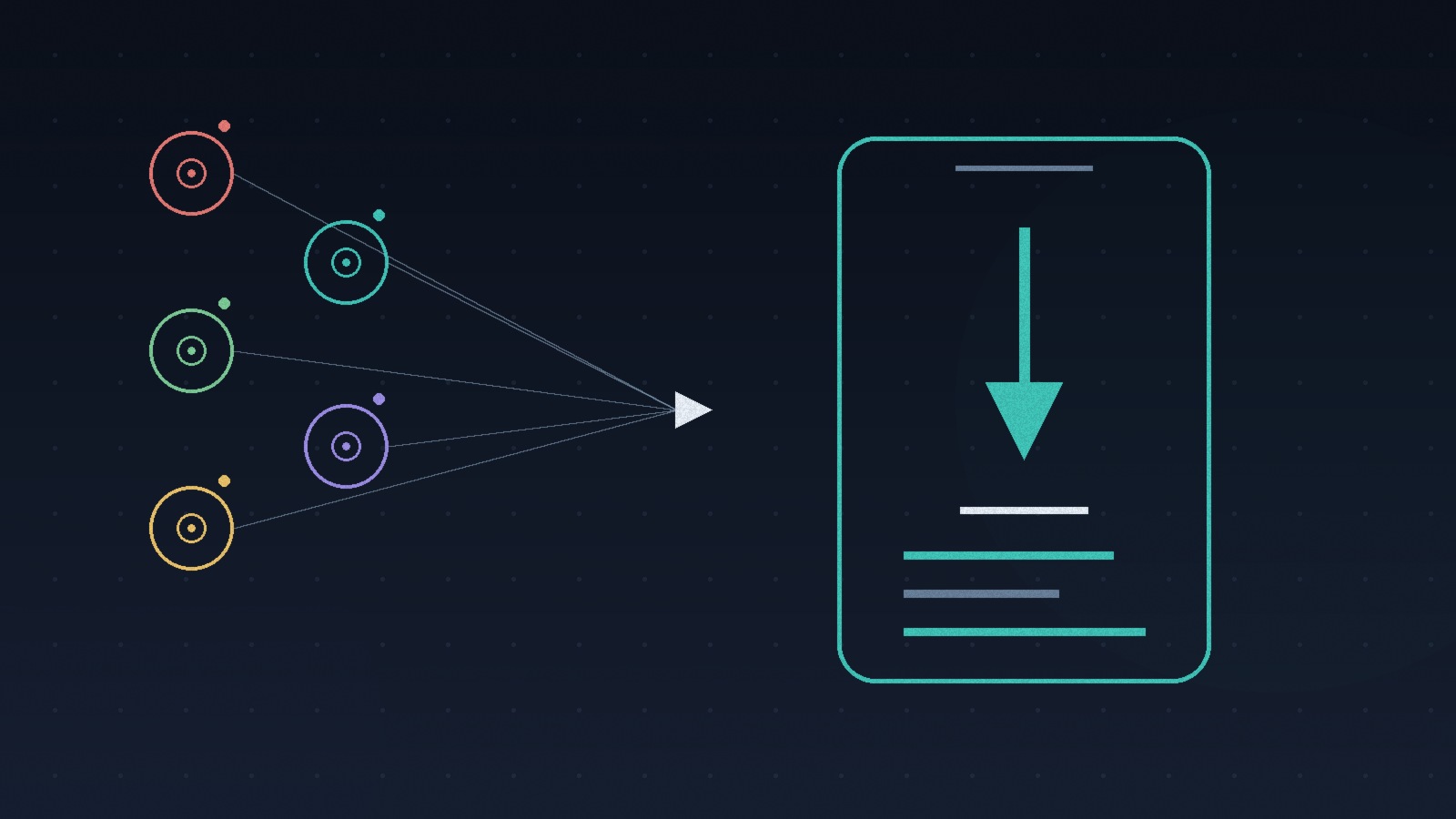
Last updated: November 15, 2026 · 7-minute read
21,298 stars and no store in the middle — Obtainium fetches Android app updates directly from the pages where developers publish them, then notifies you when a new release lands. The README states the design in one line: get Android app updates straight from the source.
If you sideload even a handful of open-source apps, this fixes a real chore. Without a store, every app updates by hand, so versions drift and security fixes sit uninstalled for weeks. Obtainium replaces that routine with one watchlist — this guide covers the setup, the options that matter, and the trust you take on when the store leaves the picture.
What Obtainium Actually Does
You give Obtainium a source URL for each app you want tracked. The wiki documents what a source must return: a version, or a pseudo-version that changes with each release, and at least one APK download URL that matches that version. Obtainium compares the source version against the version Android reports for the installed app, and an update is flagged when the two differ.
The supported source list is long, and it splits into three groups. Open-source sources cover GitHub, GitLab, Forgejo including Codeberg, F-Droid, third-party F-Droid repos, IzzyOnDroid, and SourceHut. General sources add APKPure, Aptoide, Uptodown, itch.io, Huawei AppGallery, Tencent App Store, the vivo App Store, RuStore, Farsroid, Samsung Galaxy Store, LiteAPKs, APK4Free, CoolApk, SourceForge, and Jenkins jobs, with APKMirror and RockMods as track-only sources. A direct APK link option, an HTML fallback that scans any other page for APK links, and app-specific sources for Telegram and Neutron Code close the list.
TL;DR
- Obtainium (GPL-3.0, 21,298 stars as of November 7, 2026) installs and updates Android apps from release pages, with notifications for new releases
- Supported sources include GitHub, GitLab, Codeberg, F-Droid and third-party F-Droid repos, IzzyOnDroid, SourceHut, and a long list of general stores and sites
- Adding an app takes a source URL; Obtainium detects the source, and per-app options filter APKs, versions, and notifications
- Background checks run through WorkManager by default; silent installs need Android 12 or higher and four further conditions
- No store review stands in this path — you inherit trust in each source you add, checked against signing certificates
- Latest release in this pass: v1.7.4, published November 1, 2026
Add Your First App
Step 1: Install Obtainium itself
Obtainium is distributed outside the Play Store, which is the point of the tool and also your first trust decision. The README links three routes: the GitHub releases page, IzzyOnDroid, and F-Droid, under the package name dev.imranr.obtainium. The README also publishes the SHA-256 hash of the signing certificate, opening B3:53:60:1F, and a PGP public key for verifying APK hashes.
One detail deserves attention: the same certificate is valid for the F-Droid build, because the project uses reproducible builds, so that APK can be checked bit for bit against the same source. Either way, the certificate is a fixed reference for every later update.
Step 2: Add an app by source URL
Open the Add App page and paste the app URL — a GitHub repository link is the common case. Obtainium detects which source logic applies and presents that source's options; if it picks wrong, an Override Source dropdown corrects it. For most sources any link containing the base repository URL is trimmed automatically, but the HTML fallback and a manually overridden source both need the exact page.
You do not have to configure every app from a bare URL. A crowdsourced catalogue of ready-made configurations lives at apps.obtainium.imranr.dev, and the Import/Export page adds bulk routes such as URL list import and a GitHub user's starred repositories. The detail view for each app then shows version info, release date, changelog, and APK signing certificate hashes.
Tune the Source Options
The defaults carry most apps, and the options exist for releases that refuse to be standard. A regular-expression filter narrows a multi-APK release down to one file, and a separate toggle filters by CPU architecture where the filename allows it. Track-Only mode follows an app for notifications without downloading anything, and apps can be exempted from background updates or have notifications skipped.
GitHub, the source most readers will use most, has two practical limits. The GitHub API caps requests per period, and the wiki notes that a few dozen tracked GitHub apps can reach that cap, so the documented fix is a personal access token pasted into Settings. GitHub releases also mix stable builds, pre-releases, and variants, so the source adds filters for the stream you want, a Verify Latest Tag option, and sort methods for releases whose names carry the version order.
Version detection itself is best-effort, and the wiki is candid about why. Obtainium compares only when both sides conform to a standard format it knows; when formats clash, such as an Android version of 1 against a source version of v10, detection switches off for that app. Two per-app options patch common cases: use the version code instead of the version name, or treat the release date as a pseudo-version.
How Background Updates Work
Obtainium checks for updates in the background on a schedule you set in Settings. The default mechanism is WorkManager, Android's standard background scheduler — battery-efficient, but open to delay by aggressive manufacturer battery policies. An optional foreground service mode can be more reliable on such devices, at the cost of a permanent notification, and it requires Android 11 or higher.
Checks can be restricted to Wi-Fi only, to charging only, or both, plus checks when the app opens or a detail page is viewed. Updates found then split into two groups: those that can install silently and those that need you. Downloads run one at a time by default, with a parallel option for bulk runs.
Silent installation has a strict gate, and every condition is documented. The device must run Android 12 or higher, the app must target a recent API level, the installed copy must have been installed by Obtainium, background updates must be enabled globally and for that app, and the APK filters must narrow the release to one file. Settings also list a Shizuku integration for privileged silent installs and an AppVerifier integration for verifying APKs before installation.
Where It Falls Short
The honest answer: Obtainium removes the store, and everything the store quietly did on your behalf becomes your job.
- No store review stands behind the APK. A store listing is not a safety guarantee, but it is a review layer, a malware scan, and a takedown route. Here you inherit trust in each source and developer directly, and the mitigations are the ones you use: certificate hashes in the detail view, the AppVerifier integration, and the Verified Apps tool the README recommends.
- Signatures punish source switching. The wiki notes that an F-Droid build of an app is likely signed with a different key than the same app on GitHub. Android will refuse to update across that mismatch, so the source you start with is the source you stay with for that app.
- Failed silent updates fail silently. Background installs are best-effort by design, and the wiki states plainly that a failed background install does not notify you of the error. Check the app list yourself after any update you actually care about.
- Scraped sources break. The README limitation is one sentence and it matters: for some sources, data is gathered by web scraping and can break when a site changes its design. GitHub and GitLab have APIs behind them; several general sources do not.
- Version detection can switch off. When an app version formats refuse to match, Obtainium stops comparing, and its records can drift from the version actually installed, for example after a Play Store update. The correction is manual.
- Some formats stay partial. The wiki flags XAPK support as incomplete, and track-only sources such as APKMirror notify without downloading, on the source's terms.
The Verdict
Obtainium earns its 21,298 stars by solving the problem sideloading creates: updates scattered across release pages, checked by hand, forever late. One list, source-direct downloads, background checks, and silent installs where the conditions allow them is a complete answer for open-source apps that were never going to sit in a store anyway.
The trade is custody. If your apps come from developers you already trust, the store added little beyond delay, and Obtainium is the cleaner path. If a source is a name you met last week, the review you skipped was the only review there was — track it, verify its certificate, and let other people go first.
For the Android side of this toolkit, MomoTTS keeps speech on the device itself, while SupoClip covers the same free, self-run pattern for video clipping. The rest of the toolkit lives on the projects page.
---
Not affiliated with Obtainium or ImranR98. Sources: Obtainium GitHub repository, including its README and verification block, Obtainium Wiki (app tracking, app sources, and UI overview pages), and the GitHub API record for the repository and its v1.7.4 release.