Tutorials
Teardown: The Claude Code Skill That Turns Any Machine Into a 3D Simulator (Setup Guide)
Teardown turns machines into interactive 3D simulators inside Claude Code: install, the three bundled examples, film capture, and the honest limits.
Last updated: November 18, 2026 · 7-minute read
2,497 stars in eight days from a repo with two commits and no releases — Teardown is a Claude Code skill that turns a plain question about a machine into a running 3D simulator you can take apart. Ask how something works, and Claude builds one offline HTML page: the machine runs in the middle, panels around it read the real numbers, and a button opens the part doing the work.
The appeal is direct: mechanisms are hard to learn from text and harder to teach from it. A page you can open up and watch from inside the cylinder explains a V8 faster than three chapters of prose. The catch is just as direct — the repo is days old, and this guide states that plainly before the verdict.
What Teardown Actually Builds
Teardown is a skill, not an app. You install it into Claude Code once, and from then on a plain-language request is the interface. The README gives the shape of the requests it expects:
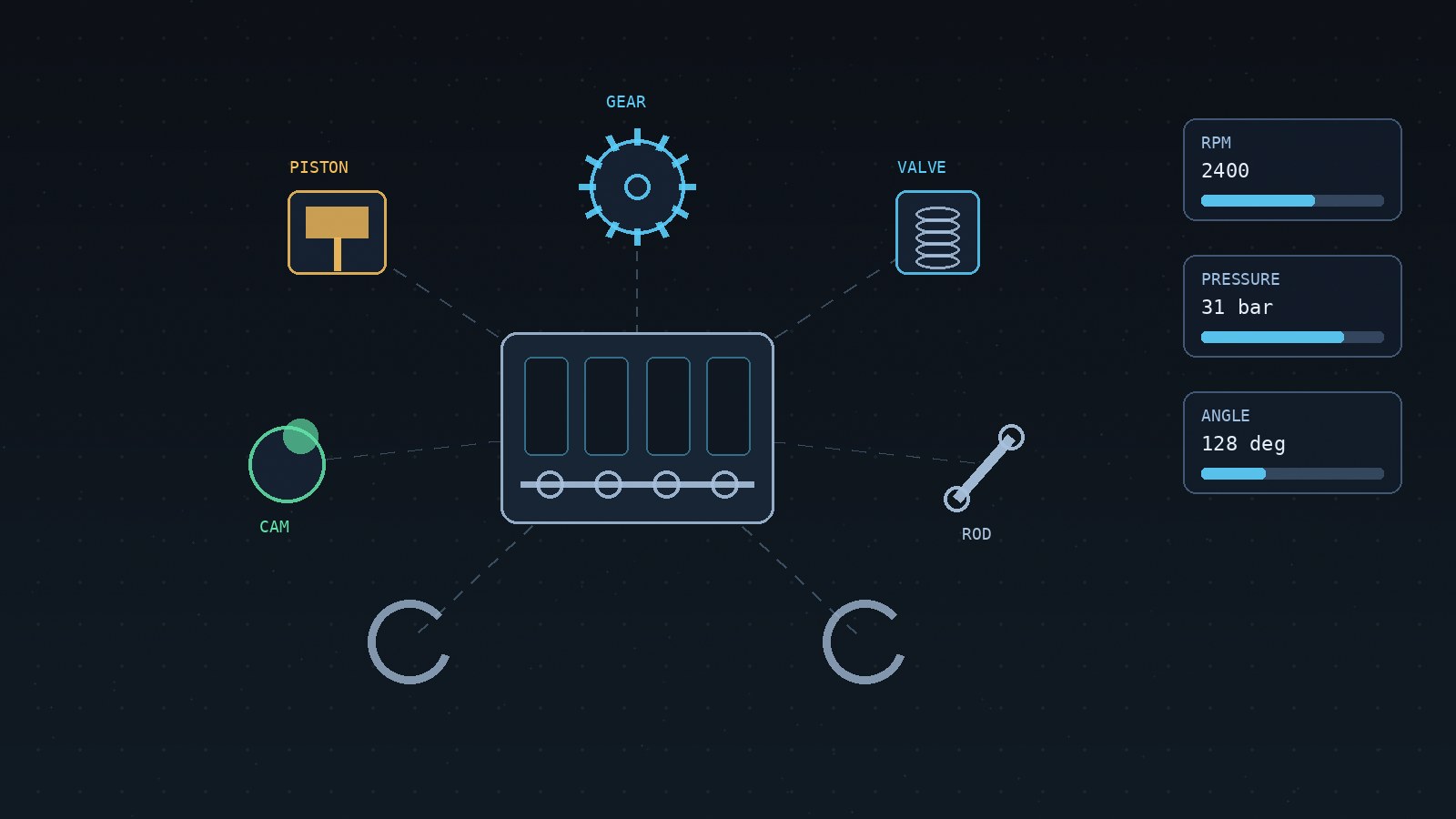
Every build produces the same kind of object: a single HTML page that works offline. The machine runs in the centre of a fixed studio layout, panels and charts around it redraw from the same state that poses the parts, and each subsystem gets a button that isolates, sections, or x-rays the part at work. Left untouched, the page tours itself with a cursor; any input hands control to the visitor, and 25 seconds of quiet hands it back.
The kit under the skill is small: SKILL.md is what Claude reads, sims/kit/ holds the shared runtime and stage, sims/build.mjs bundles a machine into one HTML file with three.js and fonts inlined, sims/capture.mjs renders the film, and sfx/ with runsfx.py builds the sound.
TL;DR
- Teardown is an MIT-licensed Claude Code skill: ask for a machine, get an interactive 3D simulator as one offline HTML page
- Install is two commands: npx skills add plus one npm install with Playwright Chromium
- Three complete machines ship inside: a cross-plane V8, a Cessna 337 landing gear, and a 20-leg Strandbeest
- One input drives the motion, the gauges, and the film — every number reads from the function that moves the parts
- The same code records the tour to a 60 fps mp4 with a synced procedural score
- Created October 30, 2026, with two commits and no releases — early, promising, unproven
Install Teardown in Claude Code
The toolchain is Node and two commands. Nothing else is needed for the pages themselves; the video and sound steps ask for more, noted at the end.
Step 1: Add the skill
The -g flag installs it globally, -a claude-code targets Claude Code.
Step 2: Install the dependencies once
In the installed folder, run the one-time setup:
You need Node.js 20 or newer. The pinned dependencies are short — three at 0.186.1, Playwright for frame capture, esbuild for bundling, and two font packages that get inlined. For the film you also need ffmpeg on your PATH, and for the sound Python 3, standard library only.
Step 3: Build an example first
Before asking for a new machine, build one of the three that ship inside and open it:
The output lands at teardown-out/dist/v8-live.html — offline, roughly 800 KB for the V8, per SKILL.md. Open it, press the subsystem buttons, then leave it alone and watch the auto tour take over. That loop teaches what a good prompt must specify: the machine, the part you care about, and a page, a film, or both.
The Three Machines Inside
Each example is a complete machine in three folders: -shared holds the machine itself, -live is the page you drive, and -film is the recorded tour. Copy the closest one when a new machine starts — that is the workflow SKILL.md prescribes.
The V8 adds a chamber pressure model behind its indicator diagram and three cutaway modes — glass, section, solid. The Strandbeest adds foot traces and a contact chart of all 20 feet: the panel that actually teaches how the linkage walks.
One Input, Real Numbers
The design rule that makes Teardown more than a 3D toy is stated early in SKILL.md: start from a reference, never from imagination. A photo, a cutaway drawing from a manual, a clip of the real machine — the model builds against it and compares frame by frame. The second rule follows: get the real dimensions first, in real units, and let every gauge read from the same function that poses the parts.
The code enforces the shape. Each machine splits into a math file with no three.js in it — one input goes in, poses and readouts come out — and a geometry file that builds the parts from code. The film is a pure function of time: render(t) draws any frame from scratch, with no random calls and no clock reads, so capture can ask for frames in any order and the score, reading the same timeline file, can never drift out of sync.
Two practical limits ride on that design. The page budget is under 1 MB, because link crawlers read the share card from the HTML and give up on heavy pages; a big model ships as a file beside the page instead. And the review loop is stills, not video: one tile per timeline beat, read against a checklist — collisions, clipped labels, numbers matching the pose — before a machine is called done.
From Page to Film
The recorded version is not a screen capture. capture.mjs steps the page frame by frame in headless Chromium and writes a 60 fps mp4 at the size you ask for — 1600 by 900 at a device pixel ratio of 1.2 gives a 1920 by 1080 film — or review sheets of stills at the beats you name.
Sound is synthesised, not licensed. The sfx/ engine generates every sound in pure Python at 48 kHz, places each cue from the film's timeline rather than typed numbers, and masters the mix automatically to −14 LUFS with a true peak at or under −2 dBFS. The recorded samples mixed in alongside are CC0 from Freesound, and one ffmpeg command muxes the silent mp4 with the score.
Where It Falls Short
The honest answer: the idea is proven by the examples, the project is not yet proven by time.
- It is days old. Created on October 30, 2026, the repo held two commits, zero releases, and zero tags at the November 7, 2026 research for this guide. package.json calls itself version 1.0.0, and no release backs that number — treat the version as a label, not a milestone.
- Nothing here is a test result. This guide is a close read of the repo and its code — the framing the README documents, not a claim that a fresh build was run for it. Your first build is the real evaluation, which is why the examples come first.
- Quality hangs on the reference. The first rule exists because a machine invented from one sentence comes out generic. Bring a manual cutaway or a good photo, or expect a plausible machine with invented proportions.
- Integrated graphics can crawl. SKILL.md warns that a page at 60 fps on a desktop card can drop to 15 fps on a laptop's built-in GPU. Quality tiers trade ambient occlusion, pixel ratio, and shadow size to compensate — test on the weakest machine that will open the page.
- The film toolchain is extra. Pages need Node alone; films and scores add Playwright's Chromium, ffmpeg, and Python 3 — one more install before the first video.
- It stands on another project. The runtime, frame capture, sound engine, and review rules come from whaleyxbt/claude-motion (MIT, 885 stars as of this research); the samples are CC0 from Freesound, prepared by Barty-Bart/motion-graphics. Teardown inherits that project's health along with its code.
- MIT cuts in your favour. The licence is permissive: read it, fork it, ship product on it. That is the one caveat here that is not a warning.
The Verdict
Teardown earns its fast stars on one decision: the numbers are not decoration. Because one function poses the parts and feeds the panels, the simulator teaches the mechanism instead of performing it — open the cylinder, and the pressure diagram moves with the piston it describes.