Tutorials
IconFunnel: Browse 32,906 Icons and Export Them Anywhere (SVG, PNG and Lottie, In the Browser)
IconFunnel is a 32,906-icon browser: search, restyle, and export SVG, PNG, JPG or code. One correction inside: it exports no ICO or ICNS.
Last updated: November 17, 2026 · 5-minute read
IconFunnel, built by the author of this site and live at iconfunnel.netlify.app, opens on a grid and a count: 32,906 icons, showing 400. Its own title states the job plainly — The Icon Funnel: Browse and Export Icons — and its description promises browsing, customising and exporting thousands of icons for your projects.
One correction belongs at the top, because this post's slot title promised app-icon formats. The live site does not generate ICO or ICNS files, and it does not turn an uploaded image into an app icon set — there is no upload field anywhere in it. What it actually does is more useful for day-to-day building: it puts a large multi-library icon collection behind one search box, restyles any icon in the browser, and exports it in the formats web and app code actually consume.
What The Site Offers
The catalogue is the headline. The header count reads 32,906 icons, drawn from several open icon libraries embedded in the page — the shipped bundle includes Lucide, with Heroicons, Phosphor, Tabler and Ionicons sets present in the code as well. A search field with a keyboard shortcut filters the grid, and the page loads more icons as the count demands rather than rendering all of them at once.
Clicking any icon opens the customise panel, and the panel is thorough. Colour is picked from a palette or entered directly, stroke width runs from 0.5 to 3.0, and the preview size slider runs from 12 to 64 pixels. Background choices add a circle, square or squircle backing with its own colour, corner radius runs from 0 to 48, padding from 0 to 24, and shadow and animation options sit alongside — the site's own instruction line sums the flow up: click any icon to customise and export.
How To Use It
The whole workflow takes place on one page, in this order:
1. Open iconfunnel.netlify.app and search by name, or browse the grid — 400 icons show at a time, with more loading as you go 2. Click an icon to select it; the customise panel opens with a live preview 3. Set colour, stroke width and preview size, then shape the presentation: background style and colour, corner radius, padding, shadow, and an animation if the icon needs one 4. Export a single icon from the panel: Copy SVG or Copy XML to the clipboard, download the SVG, download a PNG or JPG rendered in the browser, or — with an animation applied — download the Lottie JSON 5. For sets, switch on Batch mode, select every icon the job needs, and export them together as a ZIP file
The batch export offers two kinds of contents. It can pack the rendered images, or it can write code snippet files for the frameworks listed in the export code — React components, Vue, Svelte, and Dart for Flutter. For a developer stocking a project with a consistent icon set, that second option is the one that saves the manual conversion work.
Where The Files Are Made
Nothing in the flow asks for an account, and there is nothing to upload: the icons already live inside the page. The shipped code renders PNG and JPG downloads on a browser canvas — the icon drawn at 256 pixels on a padded canvas, with the chosen background shape, radius and shadow applied — and hands the result to the browser as a file download. SVG and clipboard exports are serialised from the same preview. That is an observation from the site's own shipped JavaScript bundle, and it means the customise-and-export step happens on the visitor's machine.
Where It Falls Short
The honest answer: the tool is a strong icon browser with exports, and it is not the app-icon generator its slot title announced.
- No ICO, no ICNS, no favicon sets. A full search of the shipped bundle finds no ICO or ICNS export code at all. Windows and macOS app icons, and multi-size favicon packages, still need a different tool — this post keeps the assigned title for the slot, and corrects it here rather than repeating the claim.
- No upload, no own artwork. There is no file input on the site. You can restyle the 32,906 library icons extensively, but your own logo or illustration cannot enter the funnel.
- Raster size is fixed. Single PNG and JPG exports render the icon at 256 pixels plus padding, per the bundle's canvas code. Print work or large marketing assets need the SVG route and a separate rasteriser.
- The catalogue count is the site's own. The 32,906 figure is the header the site displays; it counts glyphs across several libraries, so the same shape can appear more than once in different library styles. Choice is real, but it is not 32,906 unique drawings.
- No public source repository could be verified. The page's social-preview image references a GitHub repository that returns a 404 today, and no repository under the author's account identifies itself as IconFunnel. The site is the only primary source for this post, and claims here are limited to what it shows and ships.
The Verdict
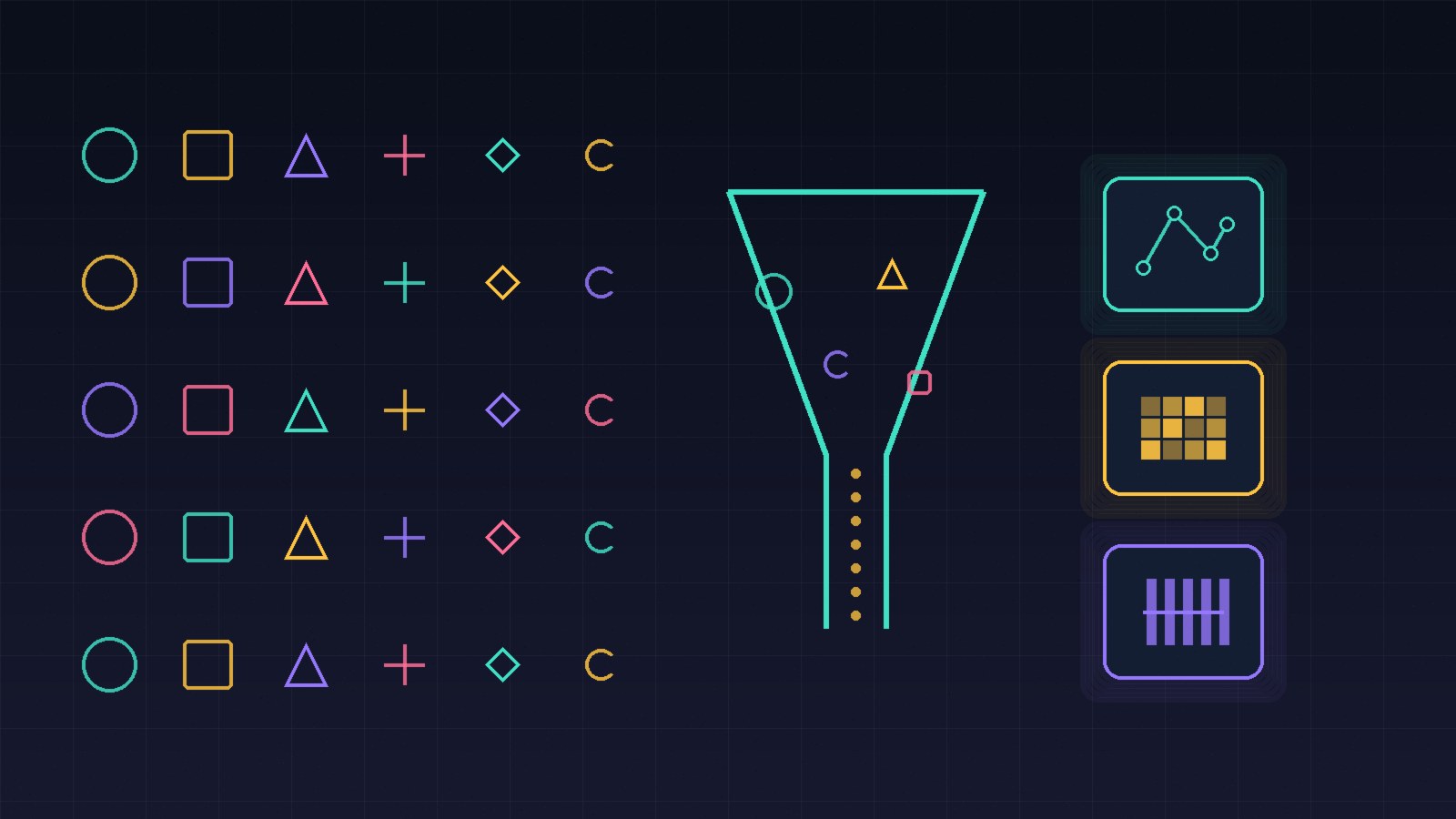
IconFunnel is best understood as a funnel in the literal sense: tens of thousands of library glyphs go in the wide end, and one consistently styled icon — or a ZIP of them, as images or framework code — comes out the narrow end. Judged as that, it is a tidy, fast, account-free tool. Judged as an app-icon format factory, it is the wrong tool, and this article would rather say so than stretch the description.
More of the author's tools live on the projects page, a comparable free-tool teardown is the SupoClip setup guide, and the rest of the catalogue is in the blog archive.
---
Built by the author of this site. Sources: IconFunnel live site — its page text, metadata, and shipped JavaScript bundle, read on 2026-11-07. No ICO or ICNS export is offered by the site; see the caveats above.