Insights
Syncthing Replaces Dropbox — Free P2P Sync With No Cloud and No $120 a Year (2026)
Syncthing syncs files directly between your devices for free — no cloud, no subscription — replacing Dropbox Plus at $9.99 a month.
Last updated: November 20, 2026 · 2-minute read
Dropbox Plus costs $9.99 a month, or about $120 a year on annual billing. Syncthing syncs files directly between your own devices with no cloud server in the middle and no subscription at all. XDA's Ayush Pande made the switch after years of paying for Dropbox and says he is not going back.
What changed
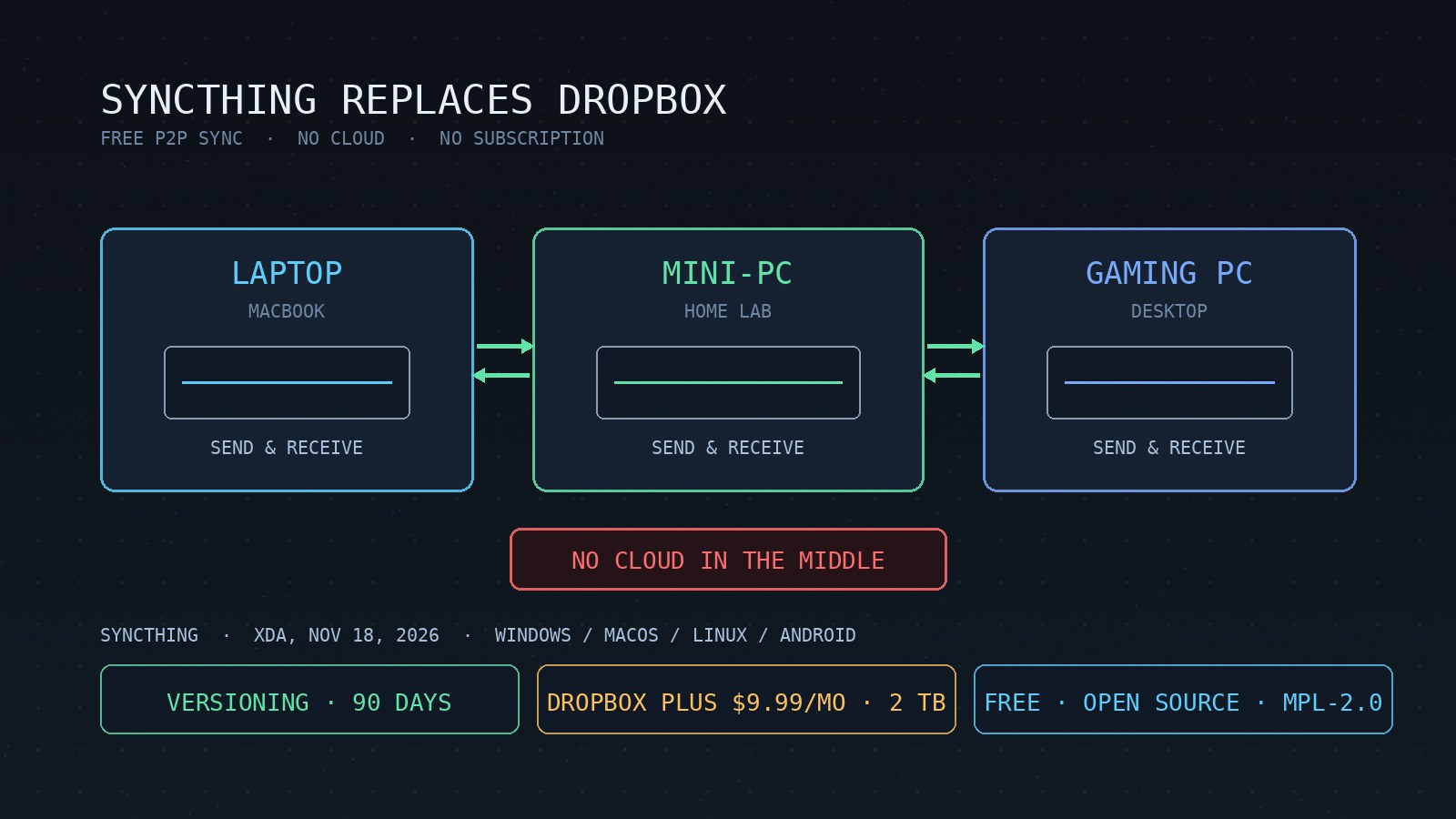
The XDA writer ditched Dropbox after finding Syncthing, the free open-source file-sync tool described at Syncthing. He had paid for Dropbox for years to sync coding projects, home-lab documentation and academic notes between a MacBook, a mini-PC and a gaming PC. The setup covers a few hundred gigabytes of files across those three devices, with no central server holding the data. Syncthing is continuous file synchronization software, and its GitHub repository was created in November 2013 and has over 90,000 stars.
The price of the cloud habit
Dropbox Plus charges $9.99 a month for 2 TB and 30 days of version history. The free Basic plan offers only 2 GB. For someone syncing files between a handful of personal machines, that works out to roughly $120 a year. Syncthing is free and open source under the MPL-2.0 licence, with no storage cap beyond your own disks.
How the sync works
Syncthing does not upload your data to the cloud but exchanges your data across your machines as soon as they are online at the same time. Data sent over the network is always encrypted. The project states that your data is your data alone.
The author runs folders in Send & Receive or Receive Only mode. A Proxmox LXC node acts as a makeshift storage server in Receive Only mode, taking changes but never pushing its own. Tailscale exposes the devices so the MacBook keeps syncing away from home. The author uses staggered versioning with maxAge set to 90 days, so an accidental edit does not become permanent loss.
Syncthing runs on Windows, macOS, Linux and Android. There is no official iOS app; iOS users rely on third-party apps. When a direct connection cannot be established, traffic can pass through volunteer-run relay servers. Those relays cannot see the encrypted data.
What it does not do
Sync is not backup. The author is explicit that Syncthing alone cannot replace the cloud-backup function Dropbox offers.
His off-site backup comes from a separate Proxmox Backup Server setup. The Syncthing LXC saves snapshots to a PBS instance connected to a remote PBS workstation, built from an old N100 NAS and spare hard drives. He says Syncthing has met all his file-synchronization needs over a few years of use.
Read more on our blog and explore our projects page.
--- Not affiliated with Syncthing or Dropbox. Sources: Syncthing, XDA, Dropbox.