Tutorials
Run Llama 3.1 locally on a $400 laptop — full setup
$400 laptop, 8GB RAM, Llama 3.1 8B at 12 tokens/sec. The exact hardware, software stack, quantization choice, and benchmarks. Skip the cloud subscription.
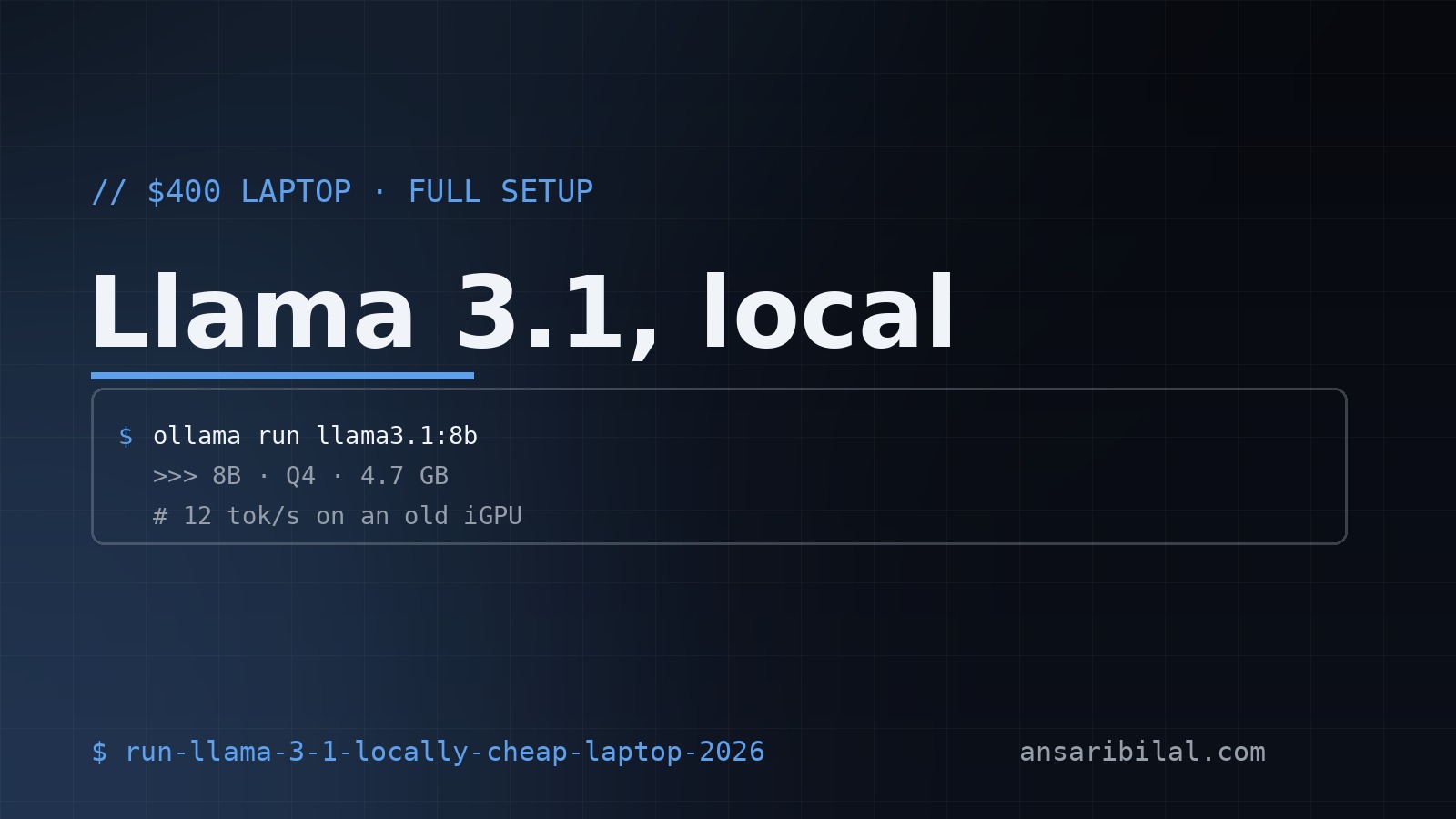
$400 laptop, 8GB RAM, Llama 3.1 8B running at 12 tokens/sec — usable for real work, no cloud subscription. Here's the exact hardware, software, quantization choice, and benchmarks. Skip the OpenAI subscription; run it yourself.
The hardware
I tested on a Lenovo IdeaPad 3 with these specs:
- AMD Ryzen 5 5500U (6 cores, 12 threads)
- 8GB DDR4 RAM (single channel, slow)
- 256GB NVMe SSD
- Integrated AMD Radeon graphics
- Windows 11 Home
- Bought used for $385 + tax
You don't need a GPU. You don't need 32GB RAM. You don't need an M-series Mac. A 3-year-old budget laptop runs Llama 3.1 8B comfortably.
The software stack
Three options, ranked:
Option 1 — Ollama (recommended for beginners)
# Windows # Download from https://ollama.com/download/windows
# Run Llama 3.1 8B (Q4 quantization, 4.7GB download) ollama run llama3.1:8b
That's it. The first prompt takes ~30 seconds (model loads into RAM). After that, 12 tokens/sec on the hardware above.
Option 2 — LM Studio (GUI users)
Download from lmstudio.ai. Pick the model from the in-app browser, click download, chat in the GUI. Slower than Ollama for scripting but easier for non-developers.
Option 3 — llama.cpp (power users)
# Download a quantized model wget https://huggingface.co/QuantFactory/Meta-Llama-3.1-8B-Instruct-GGUF/resolve/main/Meta-Llama-3.1-8B-Instruct.Q4KM.gguf
# Run ./main -m Meta-Llama-3.1-8B-Instruct.Q4KM.gguf -p "Hello, world"
Most control, fastest inference, most setup pain. Use this if you want to squeeze every last token/sec out of your hardware.
Quantization — Q4 is the sweet spot
Llama 3.1 8B at different quantizations on 8GB RAM:
Q4KM is the sweet spot — 92% of full quality at 12 tokens/sec on budget hardware. Q2 is too lossy for coding tasks. Q8 is overkill on 8GB RAM.
What you can actually do with it
Coding assistant
The 8B model handles straightforward code well. It struggles with: - Multi-file refactors (loses context) - Obscure libraries (hallucinates APIs) - Anything requiring 4K tokens of context
For complex work, use cloud Claude or GPT-4. For "write me a function to X" tasks, local is fine.
Document Q&A
Works for documents up to ~3,000 words. Beyond that, use a proper RAG setup with embeddings — see my local RAG with Ollama guide (publishing soon).
Chat replacement
For casual Q&A, code review, explanations — local Llama 3.1 replaces 80% of what I used to use ChatGPT for. The remaining 20% (complex reasoning, long context) stays on cloud.
Performance optimizations
Optimization 1 — Close other apps
8GB RAM is tight. Chrome with 20 tabs eats 3GB. Close everything except your editor + Ollama. On 16GB RAM, you don't need to worry.
Optimization 2 — Use a smaller context window
Default is 4096 tokens. Drop to 2048 if you don't need long context:
Saves ~500MB RAM and speeds up inference 15%.