Tutorials
Open WebUI + Ollama: The Local ChatGPT Setup That Runs Entirely on Your Machine (157K-Star Guide)
Open WebUI gives local Ollama models a polished chat interface: Docker setup in both shapes, the secret-key trap, model basics, and honest hardware limits.
Last updated: November 14, 2026 · 6-minute read
157,987 stars, and the pitch fits in one line: a ChatGPT-grade chat interface where the models, the chats, and the files never leave your machine. Open WebUI is the front end; Ollama is the engine room underneath it. Together they turn a terminal command into something your whole household could use. This guide covers both installation shapes, the one setting that bites everyone who skips it, and the hardware truth that decides which models you can honestly run.
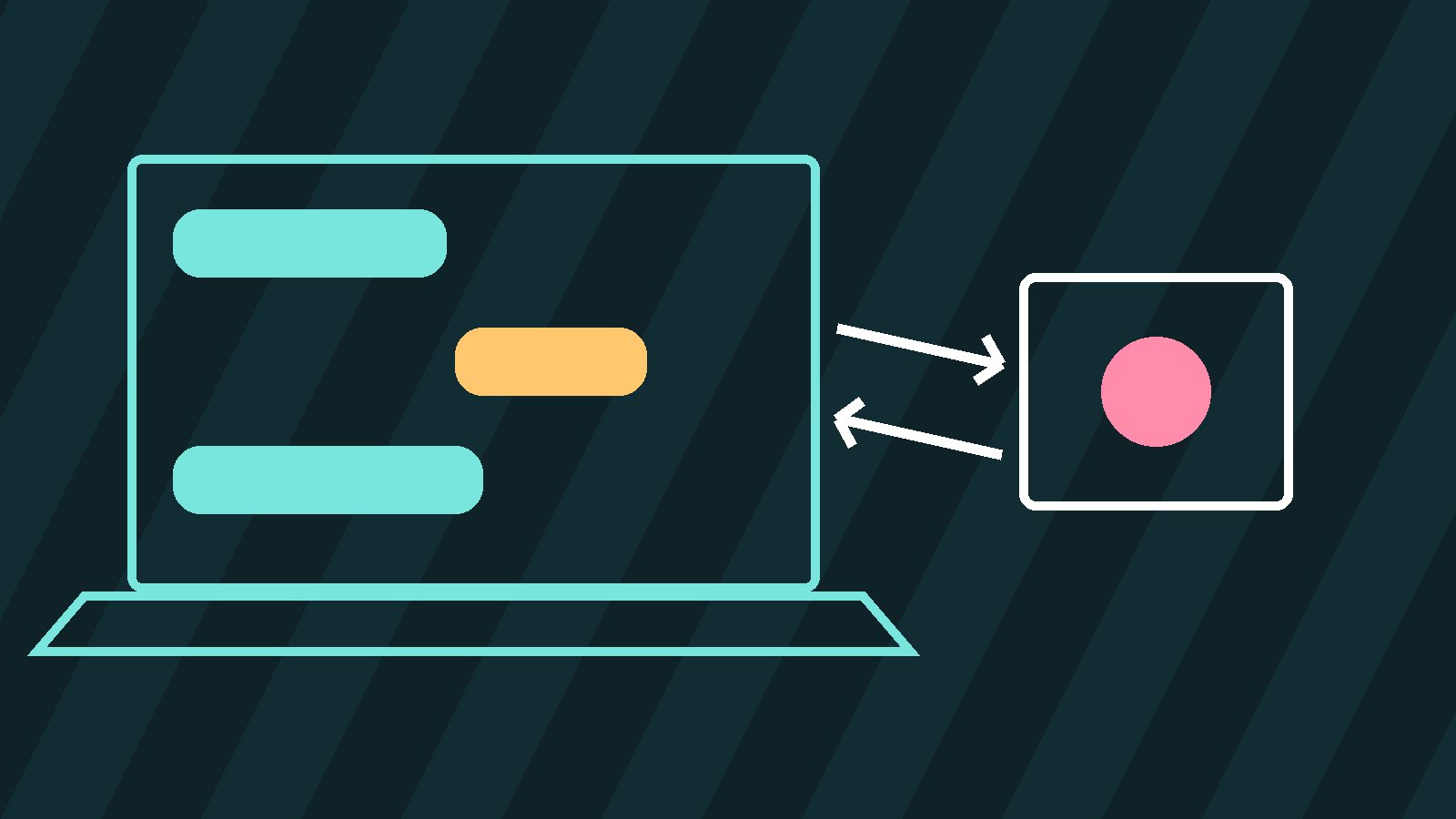
The local-model scene had a usability problem for years. Ollama made running a model one command, but the command line is where most people's interest ends. Open WebUI is the layer that fixed the audience problem: a self-hosted web app, built to run entirely offline, that talks to Ollama on one side and OpenAI-compatible APIs on the other. Your prompts stop being API calls to someone else's data centre and become a process on your own hardware — private by architecture, not by policy page.
Choose Your Shape Before You Install
Two topologies cover almost everyone, and picking wrong is where setup guides quietly waste your evening.
Shape one: everything in one container. The :ollama image bundles Ollama inside the same container as the UI. One command, no separate model server to babysit. This is the correct first install.
Shape two: Ollama on the host, UI in Docker. Ollama runs natively on your machine — better GPU access on some setups, models shared with your other tools — and the standard :main container connects to it over the host gateway. This is the shape to graduate to.
The quick-start documentation is explicit about one more decision inside both shapes: the data volume. Chats, users, and settings live in the open-webui volume, and the docs warn in plain language — never run without it, and never share a volume between a dev build and a production one.
Install the All-in-One Shape
Requires Docker. Generate a secret key first; the next section explains why it is not optional decoration.
docker run -d -p 3000:8080 --gpus=all \ -v ollama:/root/.ollama \ -v open-webui:/app/backend/data \ -e WEBUISECRETKEY=your-secret-key \ --name open-webui --restart always \ ghcr.io/open-webui/open-webui:ollama
No GPU? Drop the --gpus=all flag — the docs publish a CPU-only variant of the same command. Then open http://localhost:3000, create your account, and pull a first model from the model selector. The current stable release is v0.13.0, published November 3, 2026 — pinning a version tag instead of the rolling :ollama tag is the docs' own advice for a setup you do not want surprised by an update.
Or Connect a Host Ollama
If Ollama already runs on your machine, the standard image reaches it through the host gateway:
The --add-host flag is the whole trick — without it, the container cannot see the Ollama server on your host, and "connection refused" becomes your first support search. Pointing at an Ollama on another machine is one environment variable instead: OLLAMABASEURL set to that server's address. No Docker at all is the third path — pip install open-webui then open-webui serve on Python 3.12, served on port 8080 — workable, but the Docker route is the one the documentation leads with and the one updates are kindest to.
The Setting That Bites Everyone
WEBUISECRETKEY looks like boilerplate and is not. The documentation repeats the warning in two places: without a fixed key, every recreated container logs everyone out. Set it once, keep it, and store it like the small password it is. Container recreation is not an edge case — it is what every update does — so skipping this step converts your first upgrade into a household-wide logout and a confusing afternoon.
The update rhythm itself is simple: pull the new image, recreate the container with the same volume and the same key, and Watchtower exists if you want that automated. The volume carries your data across; the key carries your sessions.
What You Do With It After Day One
The chat window is the beginning, not the product. Open WebUI layers document knowledge (upload files, chat against them), image and voice features, user accounts for a household or small team, and connections to OpenAI-compatible endpoints alongside your local models — one interface, with the local models as the default citizens. Which of those extras stay local depends on the image you chose: the :slim variant, at roughly 197 MB against the standard image's 1.62 GB per the docs, leaves the bundled embedding, document-extraction, and voice machinery out and expects external services for them. For a chat-first local setup, slim is leaner; for a genuinely offline setup, the standard image is the honest pick, because a feature that calls an external service is a feature that left your machine.
TL;DR
- Open WebUI (157,987 stars as of November 14, 2026) plus Ollama gives local models a polished, offline-capable chat interface; current stable release v0.13.0
- Fastest path: the :ollama bundled image, one Docker command, UI on port 3000; host-Ollama setups use the :main image with the host-gateway flag
- Set WEBUISECRETKEY once and keep it — without it, every container recreation logs everyone out
- Always mount the open-webui data volume; chats, users, and settings live there
- The interface is light; the models are the hardware bill — small models flatter old laptops, large ones demand RAM and VRAM
- Check the licence before building on it: the Open WebUI License carries a branding-preservation clause beyond standard open-source terms
Where It Falls Short
The honest answer: Open WebUI makes local models pleasant, and pleasant is not the same as capable or free of fine print.
- The hardware bill belongs to the models, not the UI. The interface idles light — the docs measured the slim container at about 300 MiB of RAM — but inference is Ollama's workload. As a rule of thumb, small models in the 1–3B range behave on a modest laptop; 7–8B models at useful speeds want roughly 8 GB or more of free memory; anything much larger is a GPU-VRAM conversation. No interface fixes a model that does not fit.
- Local models still trail the frontier. For hard reasoning, long documents, and coding at the edge, the best hosted models remain a generation ahead of what a home machine runs comfortably. The honest stack is both: local for private and everyday work, hosted for the tasks that earn it — which is exactly why Open WebUI supporting both in one interface matters.
- The licence has a clause to read. Open WebUI is not plain BSD. Its licence keeps earlier contributions under their original terms and adds a branding condition: deployments past 50 end users in a 30-day window may not strip or replace the Open WebUI branding without written permission or an enterprise licence. Irrelevant on your home server; decisive if you plan to ship it inside a product.
- Rolling tags move. :main and :ollama follow the newest builds, not the newest stable release. The docs say so directly and recommend version tags for reproducible setups. An auto-updating home server that breaks on a Tuesday is a self-inflicted wound.
- Offline is a configuration, not a default state of nature. The standard image can run fully offline, and the docs cover the switches, but first-use downloads — models, tokeniser files, assorted helpers — reach the internet unless you close the doors deliberately. Privacy here is earned in the settings, same as everywhere else.
The Verdict
Open WebUI + Ollama is the setup to hand someone who asks how to start with local AI: one container, a familiar chat window, custody of the data, and a graduation path to host-managed models when the hobby grows teeth. It will not make a five-year-old laptop wise, and its licence deserves one careful read — but as the front door to models you actually own, nothing else in the scene is close.
It completes the local stack this site keeps building toward — FastEmbed for local embeddings, SupoClip for local media work, and the full set on the projects page.
---
Not affiliated with Open WebUI or Ollama. Sources: Open WebUI GitHub repository, including its README, installation and licence sections, and the Open WebUI quick-start documentation.