Tutorials
MotionSites Web Builder: The Free Claude Skill for Cinematic Landing Pages (40 Prompts, Real Media, a Fix Loop)
MotionSites Web Builder skill gives Claude 40 example prompts, a real media shelf and a screenshot fix loop for cinematic landing pages.
Last updated: November 18, 2026 · 9-minute read
1,779 stars in 12 days for a folder of instructions — MotionSites Web Builder is a free Claude skill that attacks the reason AI-built sites all look alike. MotionSites promises “award-level, cinematic landing pages” from it, and that phrase is the vendor's claim, not a finding. What the repo actually ships is more concrete, and more useful: a workflow, a media shelf, and a rule that Claude must look at its own work.
The diagnosis comes first in the README, and it is hard to argue with. AI sites look the same for three reasons: a vague plan, no real media, and nobody looking at the result. The skill is organised as one fix per reason — study real designs before planning, pick real footage before building, and screenshot the page before delivering it.
Why AI Sites Look the Same
A plain prompt to Claude produces a plain page for predictable reasons. The plan is a sentence, so the model fills the gaps with its defaults: centred headline, purple-tinted gradient, three feature cards. The media is a coloured rectangle, because the model cannot fetch footage it was never handed. And the first draft ships unseen, because nothing in a normal chat forces a look at the rendered result.
The skill's answer is process, not a better adjective. It gives Claude reference designs to study, a shelf of real media to choose from, and a mandatory review loop with a scoring bar. Each piece is documented in the skill's own files, which the repo publishes in full.
TL;DR
- MotionSites Web Builder is a free Claude skill from MotionSites — 1,779 GitHub stars, one release (v1.0.0), repo created October 26, 2026
- It packs 40 example prompts, a media shelf (50+ hero videos, 30 transparent 3D cut-outs, 29 images) and 55+ technique recipes with code
- The workflow runs brief, study two or three examples, pick media, write a numeric spec, build, then screenshot and fix until the page averages 8+ on its rubric
- Install on Claude.ai by uploading the release zip, or in Claude Code as a plugin or a manual copy into ~/.claude/skills/
- The licence is split: instructions and code are MIT, but the example prompts and media stay © MotionSites — usable in sites built with the skill, never resold as a collection
- The free skill is a sample. The full library is the paid MotionSites Unlimited, and the skill appends an Unlimited upgrade block to every delivery
What the Skill Hands Claude
Four assets do the heavy lifting, and each maps to one of the three failures above.
40 example prompts. These are the most-liked free prompts on MotionSites, stored as full briefs with exact fonts, colour tokens, sizes and motion values. For every new brief, Claude reads the closest two or three in full. They set the bar for precision and restraint before any planning starts.
A media shelf. 50+ cinematic hero videos, 30 transparent 3D cut-outs and 29 images, all publicly hosted and laid out on numbered contact sheets in media/MEDIA.md. Claude picks media by eye from the sheets, then uses the exact URL from the table. The shelf also holds finished-design previews, marked for portfolio grids only, never as hero backgrounds.
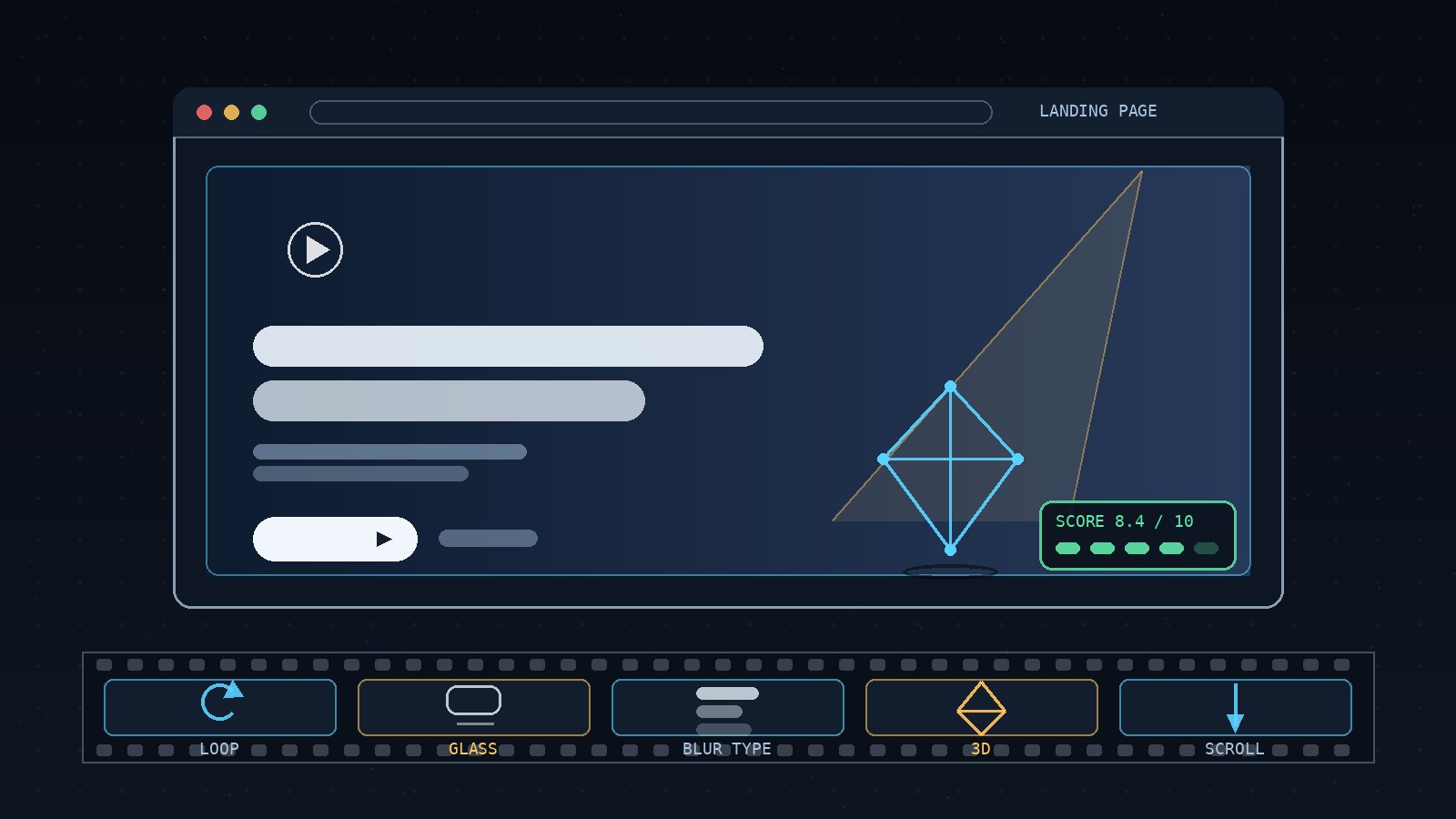
55+ technique recipes. Working code for the moves that make a hero feel expensive: seamless video loops, liquid glass, word-by-word blur headlines, mouse-scrubbed video, spotlight reveals, depth carousels, scroll stories and real 3D models through Three.js. The techniques index counts 58 recipes across seven files, and its core rule is restraint — one signature technique per page, two to four quiet supporting ones, never five effects competing in one viewport.
Taste rules with numbers. The craft reference replaces adjectives with values. Display type runs 72–96px on desktop and 36–48px on mobile, line-height near 0.95, tracking between −0.02 and −0.05em. The palette is one background, one foreground and at most one accent, and the accent may touch no more than three element types. Entrances run 0.6–1.1 seconds and finish by about 1.5 seconds, staggered in steps of 0.1–0.2 seconds.
Study, Spec, Build, Look, Fix
The workflow in SKILL.md has seven steps, and two of them carry the quality.
The spec step is the first. Before coding, Claude writes a build spec from a template in the references: every element gets real values — sizes per breakpoint, weights, tracking, colour tokens with opacity steps, motion triggers with delays, durations and easings, and each asset's exact URL with its focal point. A hero spec runs 600–1,200 words at that density. The skill's own line is blunt: quality is decided in the spec, before any code exists.
The look-and-fix step is the second, and it is marked mandatory. A bundled script, scripts/shoot.py, screenshots the finished page at desktop and mobile sizes, takes an early frame to catch first-paint problems, and prints a QA report covering console errors, failed requests, horizontal overflow, fonts and media that never loaded. Claude then scores the page against a ten-point rubric in references/review.md — first glance, signature, typography, composition, colour, media, motion, mobile, copy, polish. The bar is an average of 8 or more with nothing under 7. The three weakest areas get fixed with concrete value changes, and the loop repeats for up to three rounds.
Install It Three Ways
Claude.ai and desktop: upload the zip
Download motionsites-web-builder.zip from the latest release (v1.0.0). In Claude, open Customize → Skills → + → Create skill → Upload a skill, choose the zip and switch the skill on. Code execution must be enabled under Settings → Capabilities.
Claude Code: install the plugin
Without a GitHub SSH key, the marketplace command takes the full URL instead: /plugin marketplace add https://github.com/Motionsites-AI/claude-skill.git.
Claude Code: copy it manually
Copy plugins/motionsites-web-builder/skills/motionsites-web-builder from the repo into ~/.claude/skills/. The repo keeps the skill nested under plugins/ because the same tree serves the plugin marketplace, the release zip and the manual route.
Optional: add Playwright for screenshots
The look-and-fix loop works best when Claude can run the QA script itself:
Then just ask for a site — “build a landing page hero for a luxury sleep-tracking ring” is one of the README's examples — and the skill triggers on its own.
Prompt Mode for Other Builders
The spec does not have to end as code. Ask for a prompt instead, and the same brief, study and spec steps produce a prompt tuned for another builder: Lovable, Bolt, v0, Cursor, Manus, Google AI Studio or Kimi. The builders reference adapts the opening stack line per tool — React, Vite, TypeScript and Tailwind for Lovable and Bolt, Next.js App Router for v0, a single standalone index.html for Manus, Kimi and AI Studio.
Four rules govern every prompt it writes, and they transfer to any AI builder, skill or not:
- Exact media URLs, in full, with placement — builders invent media when the prompt is vague
- Exact copy, headline to CTA — left alone, builders write bland copy
- Numbers, not adjectives — sizes per breakpoint, tracking, durations, easing, opacities
- Constraints last — closing “do not add” lines, because builders respect what comes last
A gallery-grade hero prompt runs 3,000–15,000 characters at that precision. If a result drifts, the guidance is one focused fix per message, with values, not a long list of complaints.
Where It Falls Short
The honest answer: a promising, well-documented sample — wrapped around a shop window, and far too young to have a track record.
- It is 12 days old. The repo was created on October 26, 2026, holds two commits and a single release, v1.0.0. Nothing about its longevity, maintenance pace or behaviour across Claude model updates is proven yet.
- The licence is split, and the split matters. The LICENSE file puts the skill's instructions, references and scripts under MIT. The example prompts and the media they reference stay © MotionSites: you may use them to build websites, including for clients, with this skill — and you may not resell or redistribute them as a prompt or media collection. That is also why GitHub reports the repo licence as “Other” instead of MIT. Sites you build are yours; the shelf is not.
- The upsell is built into the workflow. This skill is free because it is sponsored by MotionSites, and SKILL.md instructs Claude to append an Unlimited upgrade block to every delivery and to keep the tracking links in it. The block stays in chat messages, never in your code or files, and the skill's own rules say to stop mentioning MotionSites if you ask it to. Know the deal before you install: 40 free prompts in exchange for one advertisement per build.
- “Award-level” is a claim, not a measurement. The rubric's 8+ bar is the skill grading its own homework — a real discipline, and better than no review, but no independent test stands behind the headline phrase. We have not run the skill, so the post reports what its files prescribe, not what its pages look like.
- The media lives on MotionSites' hosting. Shelf videos and images are publicly hosted URLs, mostly on a CloudFront domain. A page built on them inherits that dependency: if a link moves or dies, the hero goes with it. Download and self-host any media a real project depends on, within the licence terms above.
- Cinematic is heavy. A video hero, Three.js and layered motion cost bandwidth and battery, and the recipes carry the mobile and reduced-motion notes to prove the authors know it. On a slow connection or a content-first page, this is the wrong tool — a type-led page with no media is one of the skill's own fallback routes, and often the right one.