Insights
I Replaced Lovable: My New Honest AI Builder Stack
I removed every trace of Lovable from my codebase and rebuilt with three tools that cost less, produce better output, and don't lock you into a credit system.
Last updated: July 5, 2025 · 8-minute read
I just spent two hours removing every trace of Lovable from this site's codebase. The config directory, the plugin in vite.config.ts, the dependency in package.json, the plan file — all of it. Gone.
This isn't a Lovable hate post. Lovable shipped this entire portfolio in one session, and I'm not pretending it didn't. But I'm a builder, not a hostage. Once the scaffold was mine, the training wheels had to come off.
Here's the three-part stack that replaced what Lovable was doing for my design and component workflow — and why each one is better for someone who ships more than one project.
What Lovable Actually Gave Me (and What It Didn't)
Lovable is good at one thing: going from zero to deployed in under an hour. The AI generates a full React + TypeScript + Tailwind app, wires up routing, drops in shadcn components, and pushes to GitHub. For a first pass, that's impressive.
But the cracks show up fast:
- Credit-based pricing burns unpredictably. One Reddit thread called it a "credit trap" — you can't forecast costs because each regeneration eats credits differently.
- No state management, no error handling. A Facebook dev group post put it bluntly: "No state management. No error handling. The backend crashed when two users tried the same action."
- You don't own the design decisions. The AI picks colors, spacing, and component patterns. Change one thing and you're fighting the generated structure.
- The output is recognizably Lovable. Scroll through any AI builder showcase and you'll see the same glass-morphism cards, the same gradient hero sections, the same font pairings. The "Lovable look" is becoming the new "Bootstrap look."
I needed something I could control, reuse across projects, and not pay per regeneration. Three tools. Zero recurring cost.
Tool 1: Aura.build — When I Need a Landing Page Fast
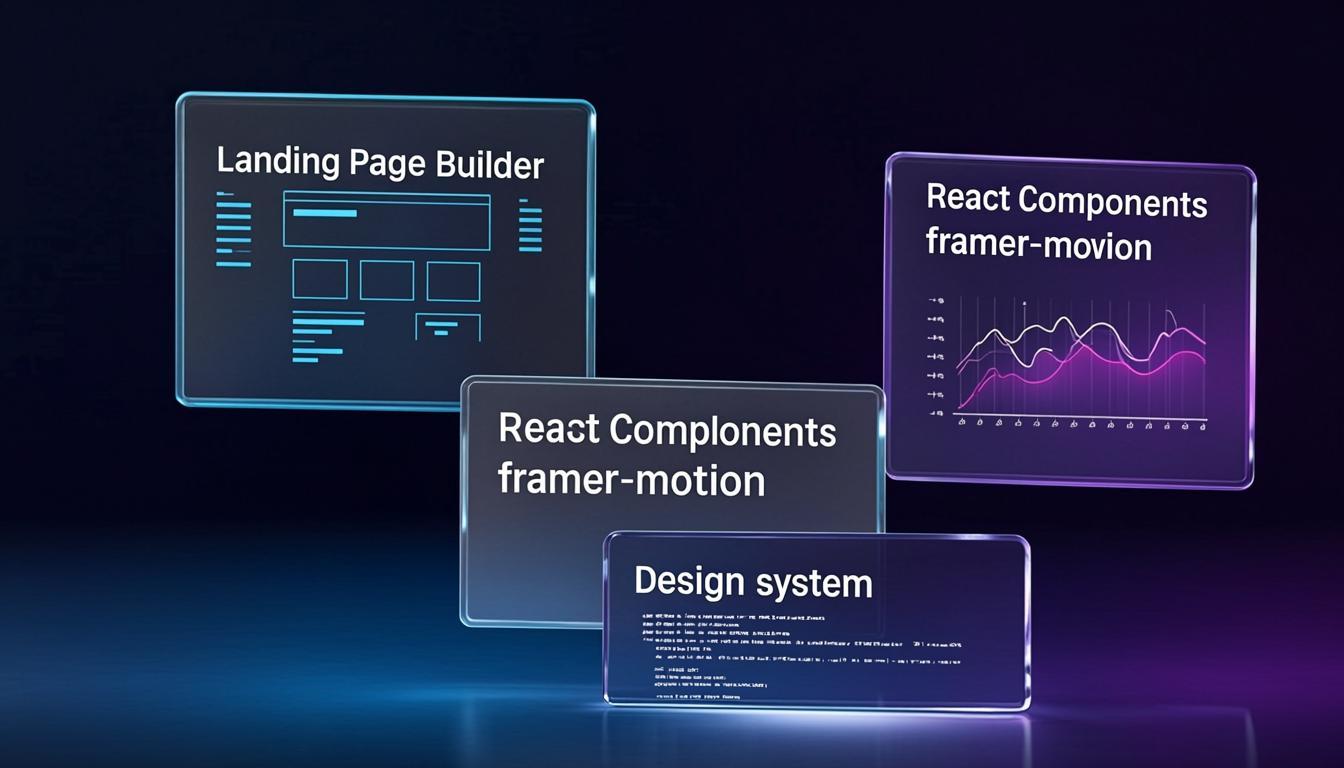
Aura.build is an AI landing page builder. You describe what you want, it generates a responsive page, and you export to HTML or Figma. 189,000+ users, 4-star Trustpilot, and — critically for my use case — it consumes significantly fewer tokens than Lovable for the same output.
What I use it for: Quick client landing pages, product launch pages, and any "I need this live by tonight" situation where I don't need a full app.
How it's different from Lovable: Aura doesn't try to build your entire app. It builds pages. That narrower scope means the output is tighter, the AI has fewer things to get wrong, and the export is clean HTML I can drop into any project — Vite, Next.js, a plain GitHub Pages repo, anywhere.
Honest caveats: - The free tier is limited. You'll hit it fast if you're iterating. - It can feel "template-ish" if you don't customize the AI prompt with specific design constraints. - Don't expect a full-stack app. This is a page builder, not an app builder.
Where it sits: When I need a standalone page in under 10 minutes — marketing sites, client demos, launch pages — Aura is my first click. For full apps, I skip it entirely.
Tool 2: Aceternity UI — The Components Lovable Wished It Could Generate
Aceternity UI is a copy-paste component library built with React, Next.js, Tailwind CSS, and Framer Motion. 200+ components, all free, all source-code-available. You don't install it — you copy the component code into your project and own it completely.
This is the piece that replaced Lovable's component generation for good. Here's why:
Copy-paste means ownership. Lovable generates a Button.tsx that lives inside its generated structure. Aceternity gives you the source for a 3D card effect, an animated text reveal, or a particle background, and you paste it into your structure, your naming conventions, your project.
The animation quality is on another level. Framer Motion is baked into every component. The kind of smooth, physics-based animations that Lovable occasionally gets right by accident, Aceternity gets right by design. Scrolling text effects, spotlight cards, meteor animations, wavy backgrounds — these are the things that make a portfolio stop looking like a template.
My actual workflow: 1. I browse the Aceternity component library for the effect I need 2. Copy the component code into my src/components/ directory 3. Tweak the colors and timing to match my site's design tokens 4. Done. No credits, no regeneration, no AI guessing what I want
Reddit consensus: Over on r/nextjs and r/Frontend, Aceternity consistently comes up as the go-to when people ask for "libraries like shadcn but with animations." One thread summed it up: "Shadcn is still king for flexibility. Magic UI for the SaaS aesthetic. Aceternity when you want people to ask 'how did you do that.'"
Honest caveats: - Components pull in Framer Motion as a dependency. If you're optimizing for bundle size, be selective. - Setup requires understanding Tailwind config. If you're new to Tailwind, the initial setup feels like work. - Some components have many peer dependencies. Read the docs before copying.
Where it sits: Every animated component on this site that isn't a basic layout element came from Aceternity or was inspired by it. It's my permanent component library now.
Tool 3: Refero Styles — The Design System Lovable Never Gave Me
This is the one that's genuinely changing how I build with AI. Refero Styles is a library of 2,000+ design systems extracted from real product websites, formatted as DESIGN.md files that you paste directly into any AI coding agent.
Here's the problem it solves: when you tell Claude, Cursor, or any AI agent "build me a dashboard," the result looks generic because the AI has no design reference. Refero fixes that by giving the agent a concrete design system — exact colors, typography, spacing, component rules — extracted from sites that already look good.
How I use it: 1. I search Refero by brand name or by mood ("dark mode SaaS," "minimal portfolio") 2. Copy the DESIGN.md content 3. Paste it into my AI agent's context (Claude Code, Cursor, whatever I'm using) 4. The agent now builds with that specific design language instead of generic AI defaults
The difference is not subtle. A dashboard built with Refero's Linear design system looks like Linear. A landing page built with the Vercel design tokens looks like Vercel. The AI stops guessing and starts following a blueprint.
Why this matters for my workflow: I build 20+ apps. Before Refero, every new project meant either starting from scratch design-wise or accepting AI-generic output. Now I pick a design system that matches the project's vibe and the agent handles the rest. My NoteCanvas and PrivacyThink rebuilds both started with a Refero reference.
Honest caveats: - It's a design reference, not a component library. You still need Aceternity or shadcn for the actual React components. - The quality varies by reference. Some DESIGN.md files are thorough; others are sparse. - It's new. The viral "Comment MD and I'll send you the link" Instagram posts are driving traffic, but the library is still growing.
Where it sits: Refero is step zero of my build process now. Before I write a single line of code or prompt an AI agent, I pick a Refero reference. It's the design brief I never had time to write.
How the Three Tools Work Together
None of these tools overlap. They form a pipeline:
Lovable tried to do all four stages in one AI prompt. That's why it sometimes nails it and sometimes generates a mess. Splitting the pipeline gives me control at each stage without losing the speed.
TL;DR
- Aura.build — AI landing page builder, cheaper than Lovable, exports clean HTML. Best for standalone pages, not full apps.
- Aceternity UI — 200+ copy-paste animated components. Replaced every component Lovable generated for me. Free, owned by you.
- Refero Styles — 2,000+ design systems as DESIGN.md files for AI agents. Gives your AI a real design blueprint instead of generic output.
- All three combined cost zero recurring and give you more control than any single AI builder.
- The key insight: separate the design system, the components, and the page generation instead of letting one AI do everything.
The tools I build with change often. The Projects section has the latest, and the Lab has the experiments that didn't make the cut. If you're still paying per Lovable regeneration, try this stack first.