Tutorials
Claude Code memory MCP — how I stopped losing 3 hours per project
Every new Claude Code session forgot everything. The codebase-memory-mcp server fixed it — 10 min setup, persistent context across every chat.
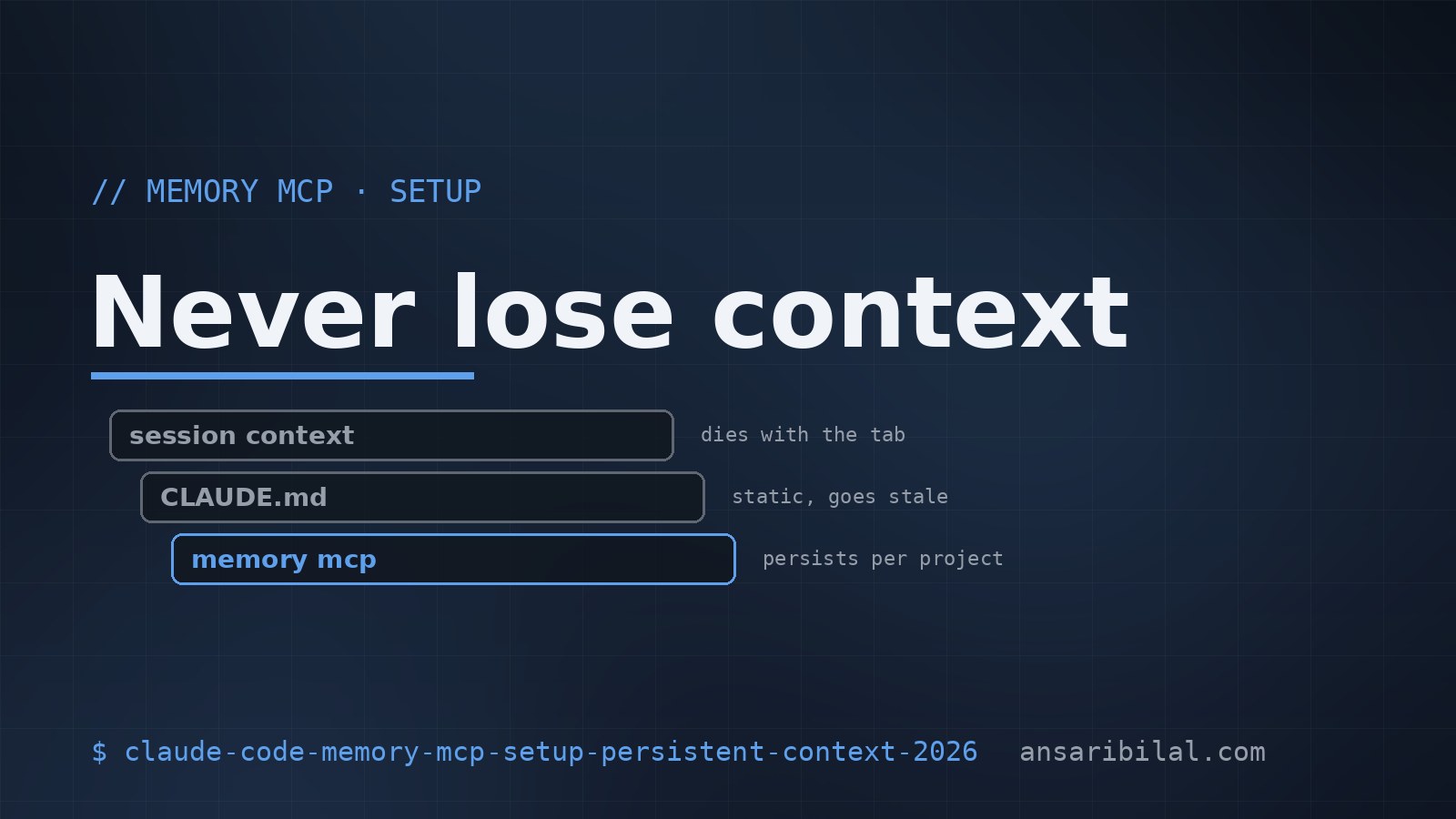
I lost 3 hours last Tuesday re-explaining my codebase to a fresh Claude Code session. By the third time that week, I went looking for a fix. The answer is codebase-memory-mcp — a local SQLite-backed memory layer that survives across sessions. Here's the exact setup that stopped the bleeding.
The problem it solves
Every new Claude Code session starts cold. It doesn't know your stack, your conventions, the file where you put your auth logic, or that you prefer tests next to source. You spend the first 15 minutes re-onboarding it. Multiply that across 5 sessions a day, 5 days a week — that's 6 hours a week of pure context-loss overhead.
codebase-memory-mcp fixes this by giving Claude a persistent scratchpad per project. You tell it the important facts once. It remembers them next time.
Setup (10 minutes)
Then add it to your project's .mcp.json:
Use an absolute path. Relative paths break depending on which directory Claude Code starts in — I lost 20 minutes to that one.
The first session
Open Claude Code in your project. Spend the first 10 minutes telling it things like:
- "This is a Tauri app. Rust backend, React frontend. The bridge is in src-tauri/commands/."
- "We use Tailwind, not styled-components. Don't suggest CSS-in-JS."
- "Tests live next to source files, named .test.ts. Don't create a tests/ directory."
- "The auth flow uses a custom JWT refresh. Don't suggest third-party auth libraries."
By session three, you'll open Claude Code on a Monday morning, type "fix the auth bug", and it'll already know where auth lives, what lib you use, and that you prefer tests colocated. The 10-minute investment pays back inside the first week.
Common errors (and the fix)
Error: Cannot find module './dist/index.js'
You skipped npm run build. Run it again. The dist/ folder doesn't exist until you build.
Error: SQLITECANTOPEN
The SQLite file lives in your home directory by default. If your home is read-only (Docker, sandboxed shell), set a custom path:
Error: Memory resets between sessions
You're probably running multiple Claude Code installs pointing at different working directories. The memory is keyed by project root — /Users/bilal/projects/app and /Users/bilal/projects/app/ are treated as different projects. Normalize your paths.
The trade-off
Memory is local SQLite — it doesn't sync across machines. If you work on a laptop and a desktop, you keep two brains in parallel. I work around this by committing a MEMORY.md file to the repo with the human-readable summary, and re-importing it on a new machine:
Clunky, but it works. The upstream issue thread has a sync proposal that may land in Q4.
When not to use it
Don't add memory MCP to one-off scripts or throwaway experiments. The setup cost is real — if you're going to spend less than 4 hours in a project, the cold-start overhead is lower than the onboarding overhead. Memory is for projects you'll touch for weeks.
Verdict
Install it. The 10-minute setup pays back inside a week if you spend more than 90 minutes a day in Claude Code. Pair it with the filesystem MCP for the strongest baseline setup, and check my broader MCP servers ranked list if you haven't already.
If you want me to review your current MCP setup, drop me a note on the contact page — I do quick audits for free if your stack is interesting.