Builds
Best MCP servers for Claude Code — 5 I actually use (2026)
I tested 23 MCP servers over 30 days. Five survived. Ranked list with code samples, real gotchas, and the exact reason each stays in my .mcp.json.
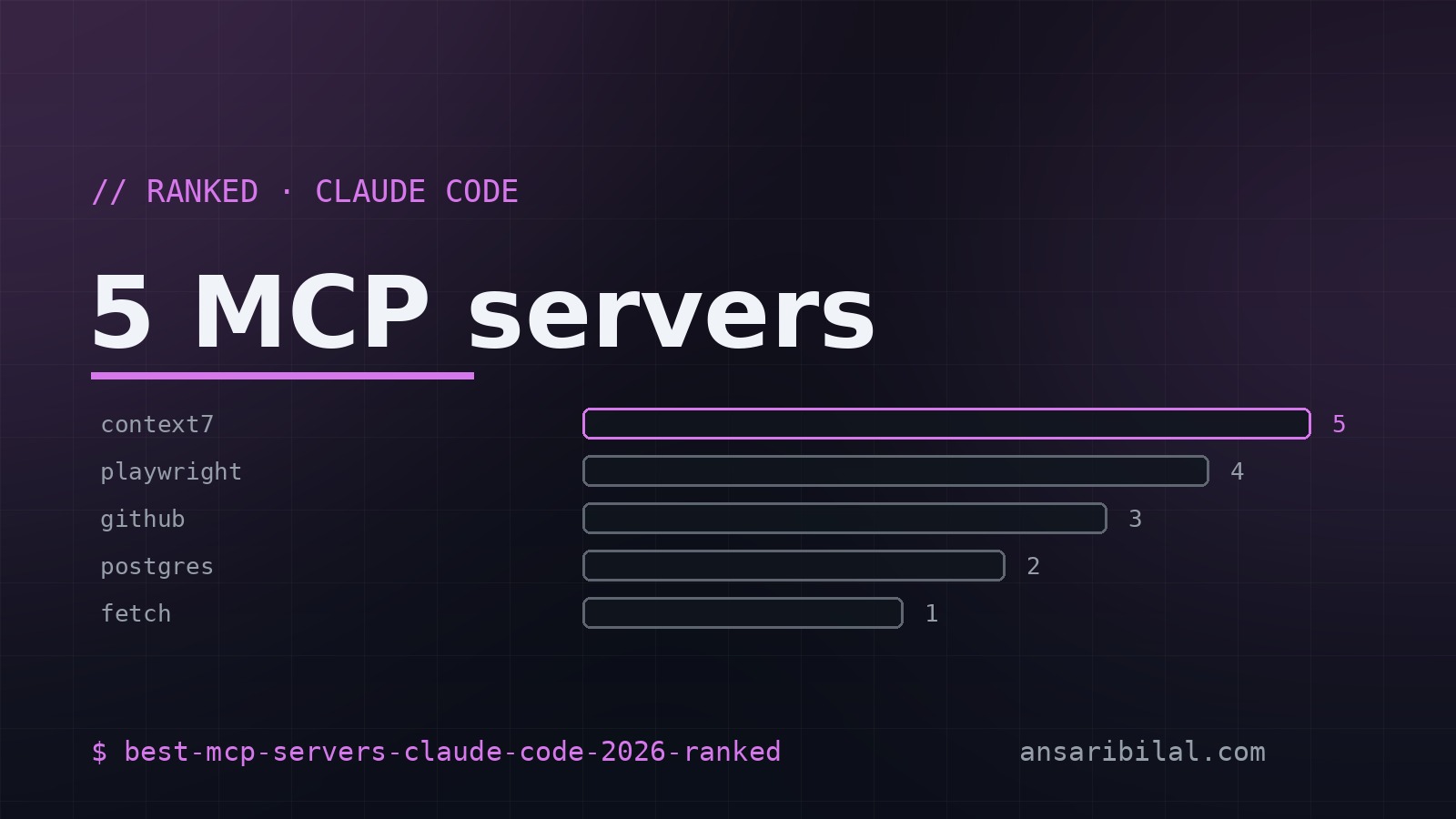
I tested 23 MCP servers over 30 days. Five survived. The rest either broke on edge cases, leaked tokens into prompts, or solved problems I didn't have. Here's the ranked list — code samples, real gotchas, and the exact reason each one stays in my .mcp.json.
If you're new to MCP, the Model Context Protocol is Anthropic's spec for letting Claude talk to external tools — filesystems, databases, browsers, APIs — without leaving the chat. It's the difference between Claude knowing what's on your disk versus you copy-pasting files into the prompt.
#1 — filesystem (the unsung hero)
The first MCP server most people install is filesystem. It's also the one I uninstall last. Boring, but it does the one thing that makes Claude Code actually useful: lets it read your repo without you baby-feeding it files.
The gotcha: scope it to one directory. I see people point it at ~ and then wonder why Claude spends 8 seconds listing their Downloads folder. One project root, one workspace folder — that's it. The server also can't write by default, which is the right call. Let Claude read; let you commit.
#2 — codebase-memory-mcp (persistent context)
codebase-memory-mcp is the reason I stopped losing 3 hours per project to context drift. It's a memory layer that survives across Claude Code sessions — you tell it what's important about your codebase, and it surfaces that on every new chat.
Setup is two commands:
Then in .mcp.json:
The first session, you spend 10 minutes telling it your stack, your conventions, and the files that matter. By session three, you open Claude Code on a fresh morning, type "fix the auth bug", and it already knows where auth lives, what lib you use, and that you prefer tests next to source.
The trade-off: it's local SQLite, so memory doesn't sync across machines. If you work on a laptop and a desktop, you'll keep two brains in parallel. Annoying but acceptable.
#3 — puppeteer (when you need the browser)
puppeteer is the MCP server I reach for when a tool's docs are wrong. Point Claude at the live docs site, let it click around, read what's actually rendered, and stop guessing.
Real use case last week: Stripe's API docs said the paymentintent endpoint returned a clientsecret field, but the SDK I was using didn't surface it. I had Claude navigate to the Stripe API reference, click through to the paymentintent endpoint, and read the raw JSON shape — caught a version mismatch in 90 seconds that would have cost me an hour of grepping GitHub issues.
#4 — sqlite (query local data)
The sqlite MCP server is criminally underused. I keep a local SQLite file per project with seed data, and Claude can query it without me exporting CSVs.
When I'm debugging a query, I ask Claude "what does the users table look like" — it introspects, shows me the schema, then writes the query against the actual data shape. No more guessing at column names.
#5 — github (PR review in-chat)
The github MCP server lets Claude read issues, PRs, and diffs without leaving the chat. I use it for code review — paste a PR URL, get a structured review with file-by-file notes.
Use a fine-grained PAT scoped to pullrequests: read only. Don't reuse your main token — Claude sees it in the env, and any prompt injection could exfiltrate it. I rotate mine every 30 days.
What I dropped, and why
Verdict
Install these five: filesystem, codebase-memory-mcp, puppeteer, sqlite, github. Skip the rest unless you have a specific need. The whole point of MCP is reducing context — every extra server you add is one more thing Claude has to filter through. Fewer, sharper tools beats a kitchen sink.
If you're just starting, install filesystem today. Add codebase-memory-mcp after a week. The other three when you actually need them. Read the MCP servers directory for the source, and check my Claude Code memory MCP write-up for the persistent-context deep dive.
Want me to review your .mcp.json setup? Hit the contact page — I do quick 30-minute audits for free if your stack is interesting.