Tutorials
MarkItDown Converts Almost Any File Into LLM-Ready Markdown (Microsoft's 194K-Star Tool, Setup Inside)
MarkItDown converts PDFs, Office files, audio, and more into clean Markdown for LLMs. Install, CLI, Python API, and limits inside.
Last updated: November 12, 2026 · 6-minute read
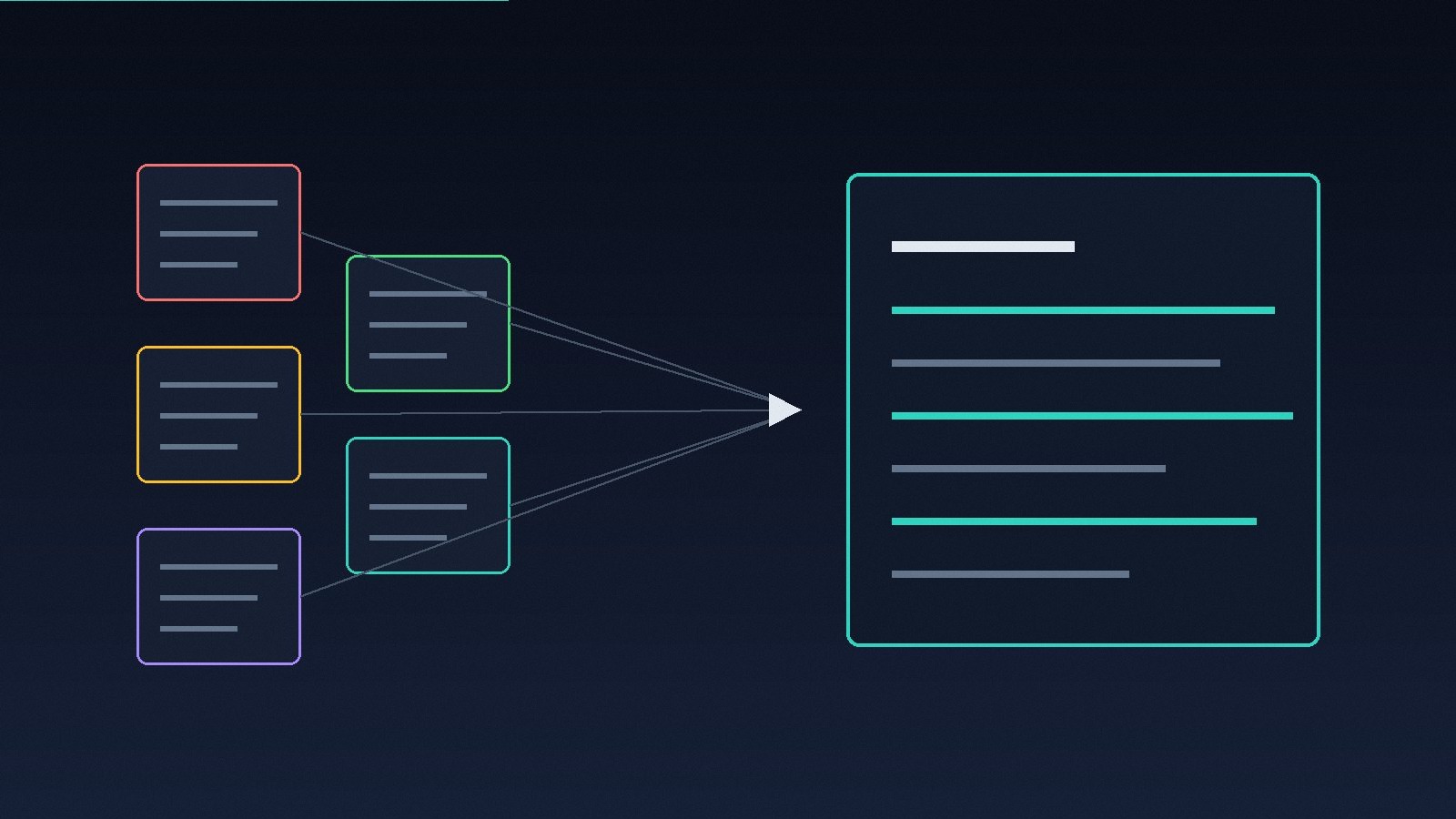
194,249 stars for a file converter — because the converter aims at the right reader. MarkItDown, from Microsoft, turns PDFs, Office documents, images, audio, and a dozen other formats into Markdown, and Markdown is the format your LLM already reads best. One command in, clean structured text out.
Every agent workflow hits the same wall: the knowledge is locked in files built for humans — board decks, invoices, meeting recordings, spreadsheets. MarkItDown is the thin, boring, correct layer between those files and your pipeline. This guide covers the install, the command line, the Python API, and the places where the tool honestly stops.
Why Markdown Is the Target Format
The README's argument is short and sound. Markdown sits close to plain text, carries structure (headings, lists, tables, links) with minimal markup, and mainstream LLMs are trained on vast amounts of it — models speak Markdown natively and answer in it unprompted. It is also token-efficient: the same document costs fewer tokens as Markdown than as raw HTML or a JSON dump of a PDF parser.
MarkItDown preserves that structure on the way through. Headings stay headings, tables stay tables. The README is equally clear about the audience: output is meant to be consumed by text analysis tools and LLMs, and may not be the best option for high-fidelity conversions meant for human readers. Hold onto that sentence — it decides most of the caveats below.
What It Converts
The supported list, from the README:
- PDF, PowerPoint, Word, and Excel files
- Images — EXIF metadata, plus captioning through an LLM when you provide one
- Audio — EXIF metadata and speech transcription
- HTML, and text-based formats: CSV, JSON, XML
- ZIP files — it iterates over the contents
- YouTube URLs and EPubs
Two of those carry an asterisk the README states plainly: image captioning and speech transcription rely on web-hosted services. Local formats convert locally; describing a picture does not.
Install It in One Step
MarkItDown needs Python 3.10 through 3.14, and the README recommends a virtual environment.
The [all] extra pulls every optional dependency. For a leaner install, pick only the formats you need — the extras are per-format:
Available extras include [pptx], [docx], [xlsx], [xls], [pdf], [outlook], [audio-transcription], [youtube-transcription], and two Azure-backed options covered below. A Docker path also exists: build the repo's image and pipe a file through it.
Convert From the Command Line
That is the whole daily workflow: convert, redirect, feed the result to your agent. Third-party plugins extend the format list — they are disabled by default, listed with markitdown --list-plugins, and enabled per run:
One plugin is worth naming: markitdown-ocr adds OCR for images embedded inside PDFs, Word, PowerPoint, and Excel files, using the same LLM-vision pattern as image descriptions. Without an LLM client configured, the plugin loads and OCR is silently skipped — silent skips are a theme to watch with this tool, and the caveats return to it.
Use It From Python
The API your agent code will actually call is four lines:
md = MarkItDown(enableplugins=False) result = md.convert("test.xlsx") print(result.markdown)
Image descriptions plug an LLM into the same object:
md = MarkItDown(llmclient=OpenAI(), llmmodel="gpt-4o") result = md.convert("example.jpg") print(result.markdown)
TL;DR
- MarkItDown (Microsoft, MIT) converts PDF, Office, images, audio, HTML, ZIP, EPubs, and more into structure-preserving Markdown
- 194,249 GitHub stars as of November 12, 2026; Python 3.10–3.14; install with pip install 'markitdown[all]' or per-format extras
- CLI and Python API are both first-class; output targets LLMs, not pixel-perfect human documents
- Image captioning and audio transcription lean on web-hosted services — they are not local magic
- Scanned documents and complex layouts are where it weakens; Azure Document Intelligence and Content Understanding are the paid escalation paths inside the same tool
- Security rule from the README itself: never feed it untrusted files without sanitising — it reads with your process's privileges
When Local Conversion Is Not Enough
Two Azure integrations sit inside the same package for the files the local converters handle badly.
Azure Document Intelligence adds cloud layout analysis — the route for scanned PDFs and dense tables. Enable it with the [az-doc-intel] extra, an endpoint, and the -d flag; optional add-ons (high-resolution OCR, formulas, key-value pairs) cost extra, and the README says so next to each flag.
Azure Content Understanding is the multimodal option: documents, images, audio, and video through one endpoint, plus structured field extraction — invoice amounts, receipt dates, contract clauses — serialised as YAML front matter in the output. It is also the only route for video files; the built-in converters have no video support at all. Every Content Understanding call is billable, and the API lets you restrict which file types route to it, which is the correct default posture.
Where It Falls Short
The honest answer: MarkItDown is a text-extraction layer with excellent manners, not a document-understanding engine.
- Fidelity is not the goal — the README says so. If you need a converted document a human will present or print, use a tool built for fidelity. MarkItDown optimises for what an LLM can parse.
- Scanned and messy PDFs expose the local limit. No OCR in the core path means a scanned page can come back thin or empty, and the fix is either the OCR plugin with an LLM attached or a billable Azure call. Budget for that if your archive is scans.
- Silent skips exist. The OCR plugin without an LLM client does nothing and tells you nothing. Any pipeline built on this tool needs its own output checks — word counts, empty-result alarms — or failures will pass as empty Markdown.
- It runs with your privileges. The README's security section is unusually direct: MarkItDown performs I/O with the privileges of the current process, so untrusted input must be sanitised, paths and URI schemes restricted, and the narrowest method used — convertlocal() for local files, convertstream() when you control the bytes. Wrapping it in a public upload endpoint without that work is a vulnerability, not a demo.
- Video is not really supported. Built-in converters handle basic audio and no video; video means Azure Content Understanding and a bill. Plan accordingly.
The Verdict
MarkItDown is the correct default for one job: getting the world's files into your agent's context without a parser zoo. It is MIT-licensed, maintained by Microsoft, honest in its own README about what the output is for, and small enough to read end to end. Reach for it first; escalate to its Azure paths only when a file class proves the local route thin.