Builds
Linuxify Runs Real AI Coding Agents on Your Android Phone (No Root)
I built Linuxify so one command turns Termux into an Ubuntu shell with Cline, Codex and Aider installed. Here is the design and the failure modes.
Last updated: October 3, 2026 · 5-minute read
A phone has an 8-core CPU, 8 to 16 GB of RAM and a battery that lasts a day. A laptop costs four months of rent for a lot of people. When AI coding agents got good, I kept asking the same question: why does the cheapest computer most people own — the Android phone in their pocket — get treated as a spectator for this? The answer was never hardware. It was environment. So I built Linuxify: npm install -g linuxify-cli, one command, and a phone becomes a real Linux developer terminal with AI agents installed. This is the build log, including the parts that broke.
The environment is the product
Termux is the closest thing Android has to a Linux terminal, and it is excellent. It is also not Linux. There is no glibc, no systemd, a partial filesystem hierarchy, and a package ecosystem that forks at interesting moments. Every one of those differences is small. Together they are why "just use Termux" produces three hours of forum-reading for every one hour of actual coding.
The insight that shaped Linuxify: most failures are environment problems, not tool problems. Cline, Codex, Aider and their friends do not care that they run on a phone. They care that python3 exists, that node links against glibc, that $HOME behaves, that a compiler toolchain is present. Give them a standard Ubuntu userland and every README on the internet starts working as written.
That is why Linuxify is not another package repo. It is a compatibility layer plus a diagnostic engine, with the agents as the payload.
What one command actually does
Running linuxify on a fresh Termux install does, in order:
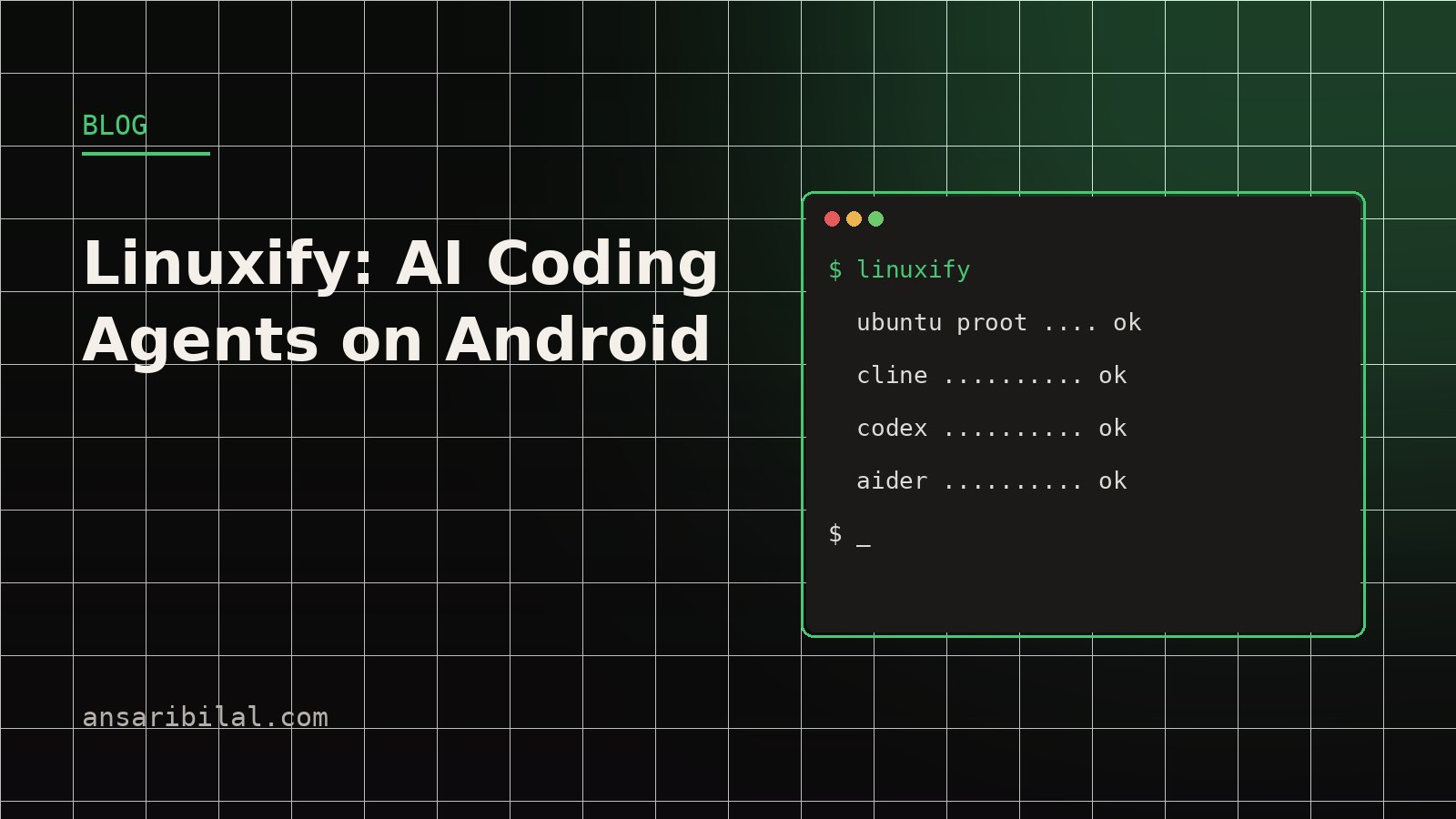
1. Installs and configures an Ubuntu proot — a user-space root filesystem, no root access, no unlocked bootloader, nothing that voids a warranty. 2. Installs the agent CLIs you ask for — each one wired up with a single command: linuxify install cline, linuxify install codex, linuxify install aider. 3. Bundles a package manager shim so apt behaves the way you expect inside the proot. 4. Ships a diagnostics engine that explains what broke, in sentences, instead of exit codes.
The proot approach matters for trust. Android's security model stays intact — Linuxify runs entirely in the space Android already gives Termux. I have no interest in shipping software that asks people to compromise the phone they bank with, and the diagnostics engine exists precisely because proot setups fail in ways that look mysterious from the outside.
The failure modes worth knowing
Three failures account for most of the issues I have seen. First, storage pressure: proot images are multi-gigabyte, and Android's scoped storage makes Termux's writable space confusing; the installer now checks free space before it starts. Second, architecture drift: phones ship arm64 almost universally now, but a few older or odd devices still report oddities that break prebuilt binaries — the diagnostics engine detects the mismatch and suggests the source-build path. Third, memory ceilings: agents that spawn language servers can trip Android's per-app limits on 4 GB devices; closing background apps is the difference between comfortable and cramped.
None of these are solved forever — Android changes under everyone's feet. They are solved diagnosably, which is the difference between a dead end and a five-minute fix.
The diagnostics engine, up close
The part of Linuxify I am proudest of is also the least glamorous. When something fails, the diagnostics engine runs a checklist of environment probes — glibc presence, proot integrity, free space, architecture match, PATH sanity, DNS resolution inside the proot — and prints what it found in plain sentences. The output is designed to be pasted verbatim into a bug report, which cuts the usual "what do you mean it doesn't work" round-trip out of support entirely.
That design came from a simple observation about tools that install software on devices you do not control: they fail in ways the user cannot see, and the difference between a dead end and a working setup is almost never skill — it is information. A wizard that hides its probes feels polished until it fails silently. A tool that shows its work earns the hour back the first time something breaks. Every later feature I add to Linuxify has to pass the same bar: does it make the failure mode legible, or just the success path prettier?
Why agents on a phone are not a gimmick
The honest use case is not "replace your workstation". It is the hours that are not workstation hours. A commuter reviewing an agent's pull request from the train. A student on a shared family laptop, doing everything on the ₹15,000 phone instead. A developer prod-ing a side project at 11 pm from bed because the idea will not survive until morning. In all three, the agent does the typing — you do the reviewing. Reviewing from a phone is genuinely viable; writing large features on a touchscreen never was.
There is a second-order benefit I did not predict: agents flatten the device gap. If the agent writes the code, the quality of your keyboard matters less than the quality of your prompts and your review. That is an accessibility story nobody markets, because the people it helps are not the people writing launch-day posts.
TL;DR
- Linuxify turns Termux into an Ubuntu proot with AI coding CLIs — one command, no root.
- Most failures are environment problems; the diagnostics engine prints them in plain sentences.
- The realistic use case is reviewing agent output from anywhere, not typing features on a touchscreen.
- Repo: github.com/Bilal140202/linuxify — read its custom license before redistributing.
Get started
The repo is at github.com/Bilal140202/linuxify under its custom license — read it before you redistribute. If an install fails, run the diagnostics engine first, then open an issue with its output; the output is designed to be the issue body.
If you want the deeper agent-tooling context, I keep a running list of the CLI tools I install on every machine, and Agent Deck is the companion approach for juggling several agents at once on a desktop. The rest of what I ship lives in the projects section.
---
Not affiliated with Termux, Cline, OpenAI or Aider. Sources: the Linuxify repository and its README, my own build notes.