Tutorials
LazyRSync Makes rsync Usable (A Terminal UI With Real Diff Previews)
Buried Treasure №4: a Rust TUI for rsync with profile reuse and a dry-run diff you can actually read. 749 stars, MIT, three releases old — and already good.
Last updated: September 12, 2026 · 5-minute read
rsync is 29 years old, powers half the internet's file transfers, and still answers innocent questions with a wall of flags. LazyRSync — a terminal UI for rsync written in Rust with the ratatui framework — reached version 0.3.0 on August 10 with 749 stars, an MIT license, and one idea sharp enough to justify the whole project: you can see a structured diff of what a transfer will do before you let it run.
The one feature that sells it
Every rsync accident I have ever heard about follows the same arc: a slightly wrong path, a flag misremembered from a forum post, and a transfer that does something irreversible with confidence. The classic mitigation is --dry-run followed by scrolling a flat list of file names — technically safe, practically useless, because a flat list tells you nothing about what matters.
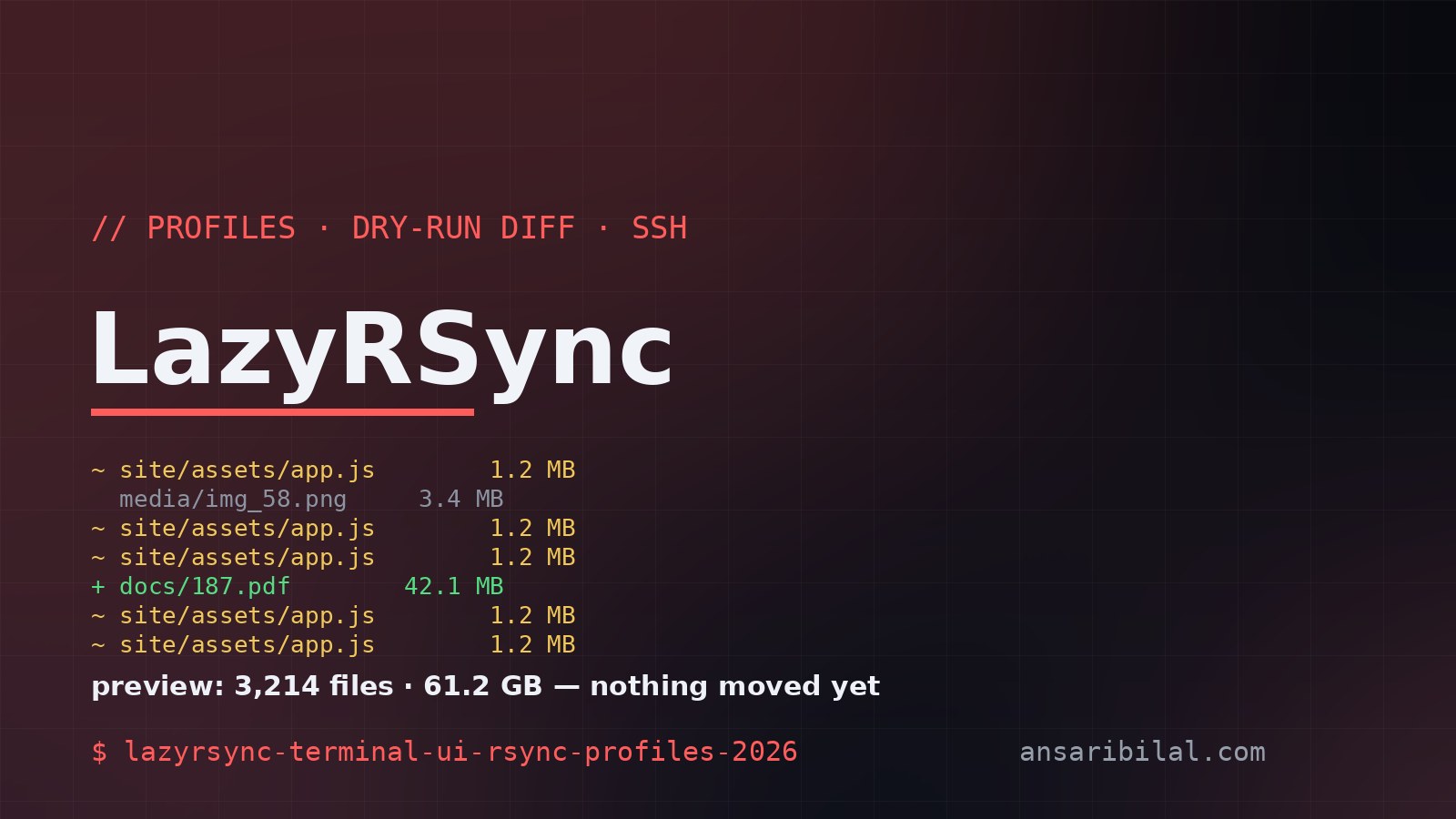
LazyRSync's README describes its preview as an "honest dry-run diff" — a structured view of what will change before the transfer runs. Files to add, modify, or delete, in a form you can scan instead of grep. The word "honest" is doing real work there: the preview reflects the actual rsync semantics rather than a best-guess summary, which is the difference between checking your work and guessing it. Wrap that in profiles you can save and reuse, live progress with cancellation mid-run, and SSH support for remote transfers, and the tool covers the entire daily-driver subset of rsync that most people actually need.
Why this stack matters
The implementation choices signal maturity beyond the version number. Rust with ratatui means a single static binary, no runtime dependencies, and a TUI that renders identically over SSH or locally. rsync itself stays underneath as the transfer engine — LazyRSync is a cockpit, not a replacement, which means two decades of battle-tested transfer semantics (incremental deltas, hardlink preservation, exclude patterns) remain exactly where they were. Published on crates.io, it installs with:
lazyrsync # opens the TUI with your saved profiles
Once a profile exists, the recurring transfer — that 60 GB photo archive to a NAS, the site deploy to a VPS — becomes a two-keypress operation you do not have to remember, because the profile remembers it for you. For cloud-to-cloud moves that rsync cannot reach, my rclone Google Drive migration guide remains the right tool; LazyRSync owns the machine-to-machine case rclone is overkill for.
Honest caveats
Read the version number with the respect it demands: 0.3.0, first release July 13, 2026 — this tool is two months old. The GitHub repository shows a single contributor, and while westpoint.io is a named company behind it (which counts for more than an anonymous maintainer), you are adopting an early project. The mitigation is structural: because rsync does the actual work, the worst case of a LazyRSync bug is a bad evening, not corrupted data — the engine has been boring since 1996, and boring is a feature here.
Second, scope: this is a TUI for interactive, human-supervised transfers. Cron jobs, CI pipelines, and server-to-server sync should keep using plain rsync flags in scripts — a visual preview has no value where no human looks at it. Third, feature coverage is deliberately partial; exotic rsync flags may not be exposed in the UI yet, and the escape hatch is dropping to the command line for the weird cases. And the meta-caveat for this series: at 749 stars and three releases, this is the earliest-stage project Buried Treasure has covered — I verified the repo, README, docs site, and release history on September 5, 2026, but I have not put a 60 GB transfer through it. The preview-before-run design is why it earned the slot anyway: it targets the exact moment where file-transfer tools earn or lose trust.
Who should try it
Anyone who runs the same transfers weekly and currently does so by scrolling shell history. Developers deploying static sites to VPS boxes, photographers with NAS archives, and homelab operators will feel the value immediately — the same crowd already keeping a CLI toolkit on every machine. If your transfers live in cron already, admire this one from a distance and check back at 0.5. The full Buried Treasure series so far has covered privileged access on Android, agent session management, and self-hosted deploys — the connective tissue across all four picks: small teams shipping infrastructure-grade polish that the big tools forgot to keep.
TL;DR
- LazyRSync is a Rust/ratatui terminal UI over rsync: profiles, structured dry-run diff preview, live progress, SSH support — MIT licensed.
- v0.3.0 shipped August 10, 2026; the project is two months old with one corporate-backed maintainer.
- rsync stays as the engine — your transfers inherit 29 years of battle-tested semantics.
- Use it for interactive transfers; keep cron and CI on plain rsync.
- The preview-before-run diff is the feature that changes behavior — check your transfers the way you check code.
---
Not affiliated with LazyRSync, westpoint.io, or the rsync project. Sources: LazyRSync on GitHub and lazyrsync.westpoint.io — repo metadata, README, and releases verified September 5, 2026.