Insights
Krita's Free AI Plugin Replaces Photoshop's Generative Fill — Entirely on Your GPU (2026)
A free Krita plugin runs Photoshop-style generative fill on your own GPU using local models, with no cloud uploads or subscription required.
Last updated: November 17, 2026 · 2-minute read
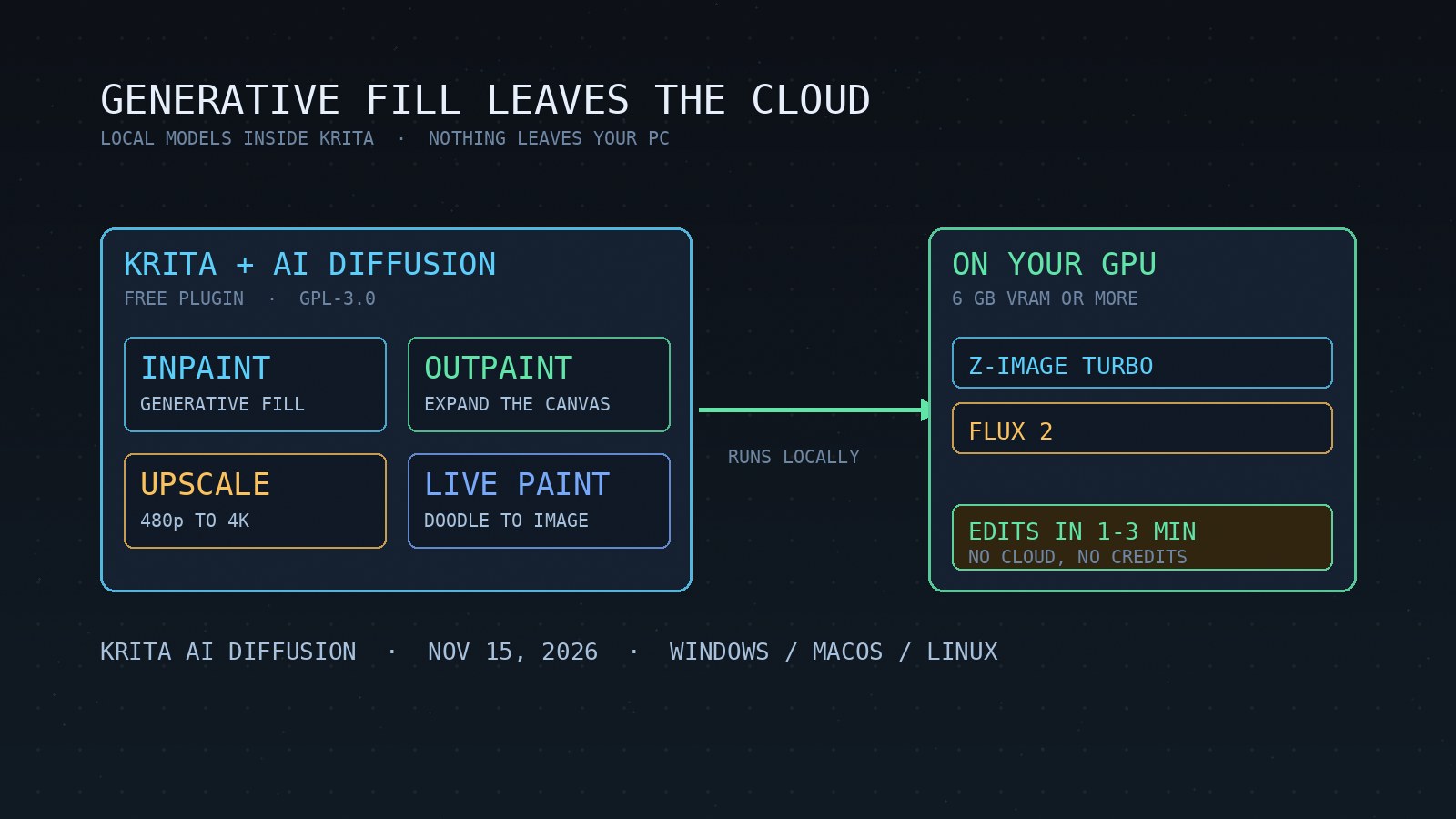
A free, open-source Krita plugin lets users run Photoshop-style generative fill entirely on their own GPU, with nothing leaving the PC. The Krita AI Diffusion plugin by developer Acly uses local models such as Z-Image Turbo and Flux 2 through an automatic ComfyUI backend. Read the hands-on report from XDA and view the plugin repository.
Why leave Photoshop's cloud
Photoshop's Photography plan costs $19.99 every month. Premium generative features come with limited monthly credits, and buying extra credit packs costs more once they run out. Most of Photoshop's AI-powered features phone the cloud, which the author cites as a privacy issue for confidential projects under embargo. The Krita pipeline works offline, so no company servers gain access to the author's private photos.
What the plugin does
The plugin offers a streamlined interface for generating images with AI in Krita. Inpaint and outpaint with an optional text prompt, with no tweaking required. It handles inpainting and outpainting well. The Z-Image-Turbo backend adds new elements to images and adjusts shadows, lighting and textures on freshly generated objects to keep them consistent with the rest of the image.
Common items such as accessories in a portrait, graffiti on walls, or landscape detail enhancement work well. Inserting specific tools, for example a Raspberry Pi, often produces weird setups. Object removal works: cables in landscape backgrounds can be removed after switching the AI profile to General Editing, logo removals work, and entire gardens and houses can be cropped out of panoramic shots without the uncanny-valley effect common to free AI tools.
Upscaling brings impressive results for 480p and 720p photos, with slight artifacts when upscaling 480p past 8K+ resolutions and no issues pushing old photos to 4K. A live-painting feature turns doodles into quick illustrations.
Setup and hardware
Installing the plugin installs the entire local image-editing model pipeline on its own, so no manual ComfyUI workflows are needed. The author's setup uses Z-Image Turbo and Flux 2 model combos on Windows 11 with an RTX 3080 Ti (12GB) and 32GB of memory. Z-Image Turbo edits usually take 1-3 minutes; inpainting with a huge selection area and a long prompt typically finishes in under 5 minutes.
Local use needs a powerful graphics card with at least 6 GB VRAM (NVIDIA) recommended. The plugin supports Windows, Linux and macOS and requires Krita 5.2.0 or newer. It uses ComfyUI as its backend and offers automatic local server installation from the plugin docker ("Configure"); a custom or remote ComfyUI server is optional.
Open source and privacy
The project is GPL-3.0 licensed. Its stated goals include "Local, Open, Free": open source models, custom presets, bring your own models, and running everything local on your hardware. Cloud generation is also available as an option.
Find more updates on our blog, including news about local AI and open-source tools, or explore related projects on our projects page.
---
Not affiliated with Krita, Acly or Adobe. Sources: XDA; Acly/krita-ai-diffusion.