Experiments
HTML-to-Video Agents: No Editor Required
Tested Hyperframes by HeyGen and html-video by nexu-io for programmatic video creation. One worked for simple explainers. The other needs six more months.
Last updated: July 23, 2025 · 7-minute read
A YouTube video titled "Hyperframes + Claude AI Goodbye Video Editor (Forever)" has 200K+ views and climbing. The premise: write HTML, CSS, and a few animation keyframes, and an AI agent renders it into a real MP4. No timeline, no keyframe editor, no After Effects.
I spent a weekend building a video pipeline with two tools — Hyperframes by HeyGen and html-video by nexu-io — to see if the "goodbye video editor" claim holds up for a solo builder who makes explainer content.
Short answer: for simple talking-head explainers with text overlays, it works. For anything with real motion design, you're still opening an editor.
What These Tools Actually Do
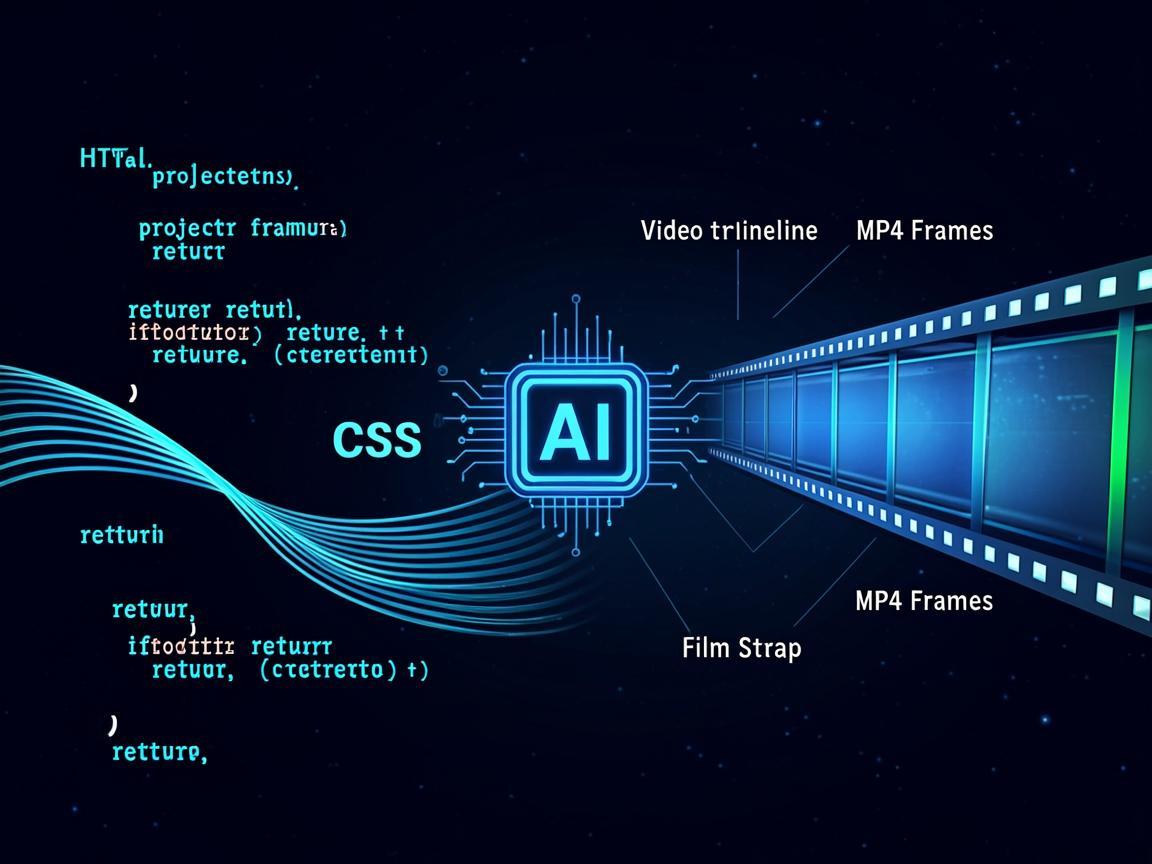
Both tools share the same core idea: you write HTML and CSS that looks like a video frame, and a rendering engine (Puppeteer or Remotion under the hood) captures each frame and stitches them into an MP4. The "agent-native" part means Claude Code or similar tools can generate the HTML for you.
Hyperframes (by HeyGen, Apache 2.0) is the more polished of the two. It's designed as a framework for AI agents — Claude Code can write a Hyperframes project and render it with a CLI command. It supports seekable animations (CSS animations that can be scrubbed to any point, not just played forward), media embedding, and multi-scene composition.
html-video (by nexu-io, also Apache 2.0) takes a different approach — it's a meta-layer with 21 pre-built templates and pluggable render engines. You give it a prompt, an article link, or a GitHub repo, and it generates the HTML and renders to MP4 locally. The key selling point: no cloud dependency, no per-render fees, everything runs on your laptop.
The Experiment
I set out to build a 60-second product explainer video for this site's blog — the kind of thing I'd normally do in CapCut in about 45 minutes.
Attempt 1: Hyperframes + Claude Code
I gave Claude Code the Hyperframes documentation and asked it to build a video with: - A title card with animated text - Three content sections with transitions - A closing card with my site URL
Claude Code generated the HTML in about 90 seconds. The structure was clean — separate scene files, shared CSS variables, CSS keyframe animations for text reveals and slide transitions. Running the render command produced a 1080p MP4 in about 2 minutes on my M3 Pro.
The output looked like... a PowerPoint presentation that someone exported as a video. Clean text, readable, but no personality. The animations were linear easing, the transitions were basic fades, and the typography was system fonts because Claude didn't know to load custom ones.
I iterated three times, each time giving Claude Code more specific design constraints. By attempt three, the video was passable — something I'd put on a YouTube channel with 50 subscribers, not something I'd put on a product landing page.
Attempt 2: html-video + Claude Code
html-video's approach of "give it an article link and get a video back" is more ambitious. I pointed it at one of my blog posts and let it run.
The result was a scrolling-text-over-gradient-background video that looked like every AI-generated LinkedIn content video from 2024. The templates are functional but generic. To be fair to nexu-io, the project is explicitly positioned as a starting point — the GitHub README says "pluggable render engines" and "21 templates," implying you're supposed to customize.
The local rendering is genuinely useful though. No cloud API, no token cost, no queue. I ran it on a 3-minute article and got an MP4 in about 4 minutes of local processing.
What Actually Worked
- Rapid prototyping of video structure. Both tools let me iterate on the "storyboard" (really just the HTML structure) in seconds instead of dragging clips around in a timeline.
- Data-driven videos. If you need 50 variants of the same template with different data (product names, prices, metrics), generating the HTML programmatically and batch-rendering is genuinely faster than doing it by hand.
- Claude Code integration is real. The "agent-native" pitch isn't marketing fluff. Claude Code understood the Hyperframes API and generated valid HTML on the first try. I never opened an editor — I just kept refining my prompt.
What Didn't Work
- No real motion design. CSS animations are limited to transforms, opacity, and clip-path. You're not getting particle effects, camera movements, or the kind of kinetic typography that makes a video feel professional.
- Audio is a separate problem. Neither tool handles music, sound effects, or voiceover synchronization well. I ended up dragging the MP4 into CapCut anyway to add the audio track.
- The "no video editor" claim is oversold. The YouTube title "Goodbye Video Editor (Forever)" is engagement bait. You're not replacing After Effects or even CapCut. You're replacing the rough-cut phase — getting something on screen fast, then finishing in a real editor.
- html-video has no rendered examples. A GitHub issue (#30) titled "add a real rendered video example" points out that the README has zero output samples. For a video tool, that's a red flag.
The Honest Assessment
If you're a developer who needs to produce simple explainers, social media clips, or data-visualization videos and you hate timeline editors, Hyperframes is worth learning. The local-first approach and Claude Code integration make it the most developer-friendly option I've tried.
If you need anything with production-quality motion design, this stack isn't there yet. The gap between CSS animations and After Effects is not a Claude Code prompt away — it's a fundamental limitation of what you can express in HTML and CSS.
That said, the trajectory is obvious. Six months ago, "write HTML, get a video" was a hack. Now it's an open-source framework with Apache 2.0 licensing and real CLI tooling. Give it another six months and the template quality gap will close. My TalkDrive pipeline already handles the audio side — combining that with better HTML video templates gets close to a full no-editor workflow.
The Lab has the video outputs if you want to judge for yourself. They're fine. Not impressive, but fine.
---
Not affiliated with HeyGen or nexu-io. Tools used: Hyperframes, html-video, Claude Code, CapCut.