Tutorials
Gander Reads PDFs on Android With Zero Permissions
An 897-star MIT viewer that holds no INTERNET permission at all — one 5 MB APK for PDF, Word, Excel, PowerPoint, media and code. Buried Treasure №8.
Last updated: September 16, 2026 · 6-minute read
897 stars in seven weeks is the fastest growth I have recorded in this series, and the reason is printed in the app's own permission list: Gander requests none. Zero. A file viewer for PDF, Word, Excel, PowerPoint, photos, video, audio, Markdown and code — one 5 MB APK, MIT-licensed, fully offline — that does not even hold the INTERNET permission, so the question of where your tenancy agreement gets uploaded has a physically short answer: nowhere, because it cannot.
Buried Treasure №8, and the strongest privacy story in the series so far. Every fact below comes from the repository, its README and release data, verified September 6, 2026.
The zero-permission claim, and how it holds up
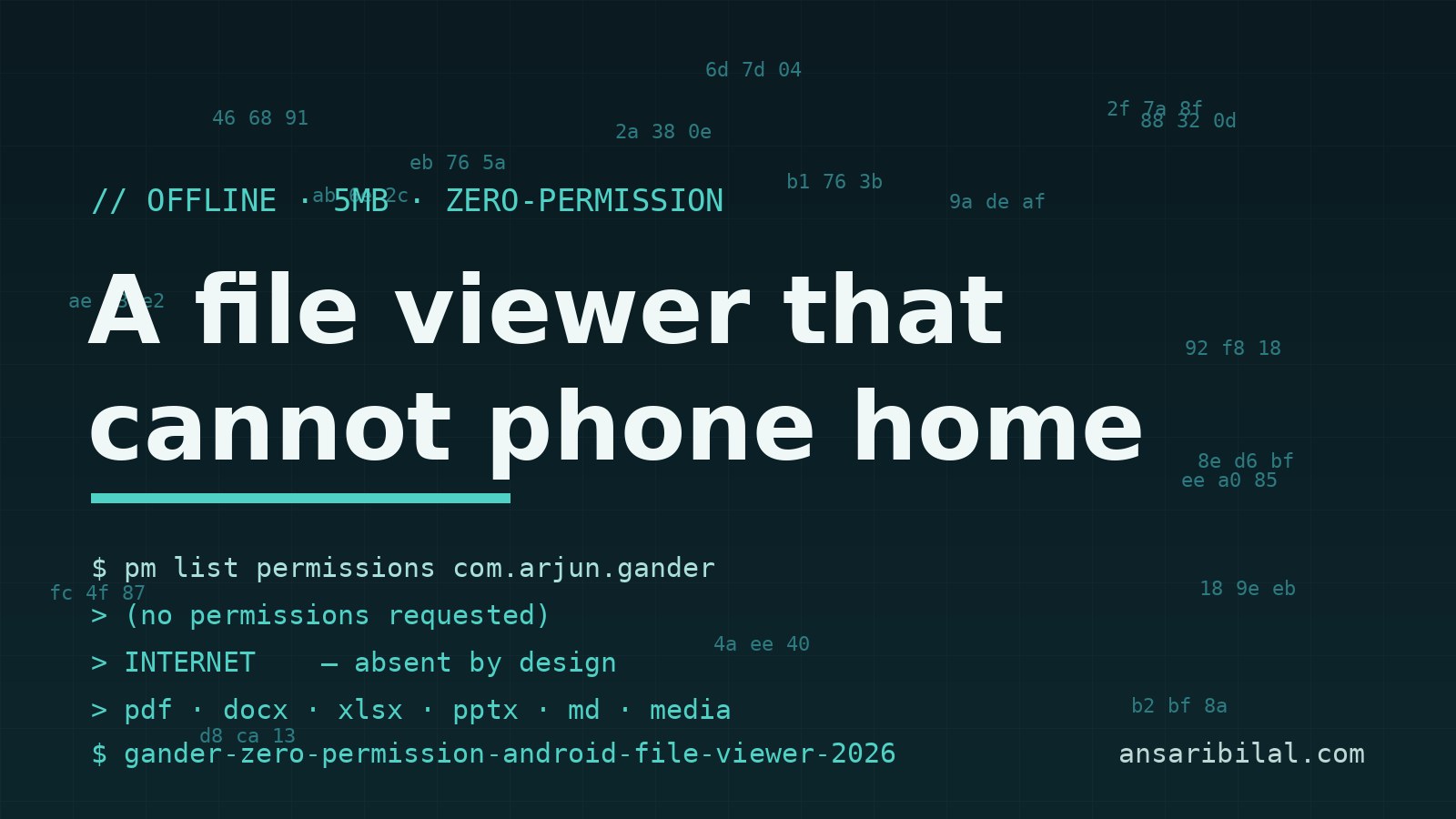
"No permissions" sounds like marketing until you notice the architecture that makes it literal. Android apps cannot make network requests without declaring INTERNET, so omitting it is not a policy — it is a capacity. Gander renders everything on the device with no analytics SDK, no accounts, and no code path that could transmit a document even if it wanted to.
Folder browsing works through Android's one-time system grants (the storage picker you already know from other well-behaved apps), so the app still opens files anywhere without holding broad storage access. Kotlin-only codebase, Material 3, dark mode, Android 8.0 as the floor.
The detail that earns trust is the self-audit. The About screen asks Android what permissions the app actually requests and shows you the answer on-device, next to the full license text of every bundled library. An app that shows its own interrogation is making a falsifiable claim — open any permission viewer and check.
What it is like to use
The README describes, and the screenshots corroborate, a viewer that behaves like a real app rather than a bundle of libraries stapled together:
- One viewer for everything — documents, spreadsheets, slides, images, video, audio, Markdown, text and code, with thumbnail recents and folder browsing.
- Real PDF handling — pinch zoom, select-and-copy text, find-in-document with match navigation, and screen-reader accessibility. The night mode inverts pages while preserving each color's hue and leaves photographs untouched, which is the correct way to build it and the way almost nobody builds it.
- Deep zoom on huge photos via tiled decoding, so a 40-megapixel shot does not become a memory test.
- Share-sheet integration — share any file from chat, mail or browser into Gander, or "open with" it from a file manager, then set it as your default handler.
The developer, mokshablr, ships fast: v1.15 landed September 6, 2026, and the repo has been pushed to within days of this writing throughout its short life.
The Play Store problem — and how to help
Here is the human snag. Google will not let a personal developer account publish until twelve people have used the app for fourteen continuous days. The README says this plainly and asks for two minutes: join the tester group with the Google account you use on Play, accept the opt-in link, install, and set Gander as your default PDF handler — Google checks genuine use, so twelve untouched installs fail. GitHub releases are not going anywhere regardless; the testing program is purely the road into the Play Store for users who will never sideload an APK.
Where it falls short
Viewer, not editor — nothing here fills in a form or merges a PDF, and the offline-editing space remains a separate hunt. Two contributors carry the whole project, which is a bus factor of two on an app people will use for sensitive documents. Seven weeks old means long-tail format quirks are still being found; complex spreadsheets and dense slide decks will render more faithfully in desktop Office than in any 5 MB mobile viewer, Gander included — that last part is expectation-setting, not a measured claim, since I have not run this app on a device myself. This piece is built from the repository, its README, its screenshots, and GitHub API data pulled September 6, 2026.
Who should skip it
If you live inside Google Drive or Office 365 previews and trust them with your documents, Gander solves a problem you do not have. If you need collaborative editing, wrong tool. But for the large group — people who open contracts, payslips, invoices and ID scans on a phone and would rather those files never touch a cloud viewer — the trade is close to free.
Try it in five minutes
Grab the APK from GitHub Releases, install, and open any PDF. Set it as the default handler for PDFs if the five-minute test convinces you. Or join the tester program from the README link and get it from Play while helping the project clear Google's twelve-tester gate — the same app, the same signing key, the same zero permissions.
TL;DR
- Gander is an MIT-licensed, Kotlin, offline file viewer for Android — 897 stars in seven weeks, v1.15 shipped September 6, 2026.
- Zero permissions including INTERNET: it cannot transmit your documents because it lacks the network capability, and the About screen shows its own permission audit.
- PDF, DOCX, XLSX, PPTX, images, video, audio, Markdown and code in one 5 MB APK, with find-in-document, text selection, and hue-preserving PDF night mode.
- Caveats: view-only, two-person project, seven weeks old.
- The Play Store launch needs twelve genuine testers for fourteen days — joining costs two minutes.
---
Not affiliated with mokshablr or Google. Sources: the Gander GitHub repository, its README and release history, and GitHub API data pulled September 6, 2026.