Insights
Claude Code, Codex, Antigravity Built the Same Chrome Extension — Only One Was a Keeper (2026)
One prompt, three AI coding tools, one Chrome extension: Claude Code won XDA's SnapNest build test, while Codex and Antigravity stumbled on the details.
Last updated: November 11, 2026 · 3-minute read
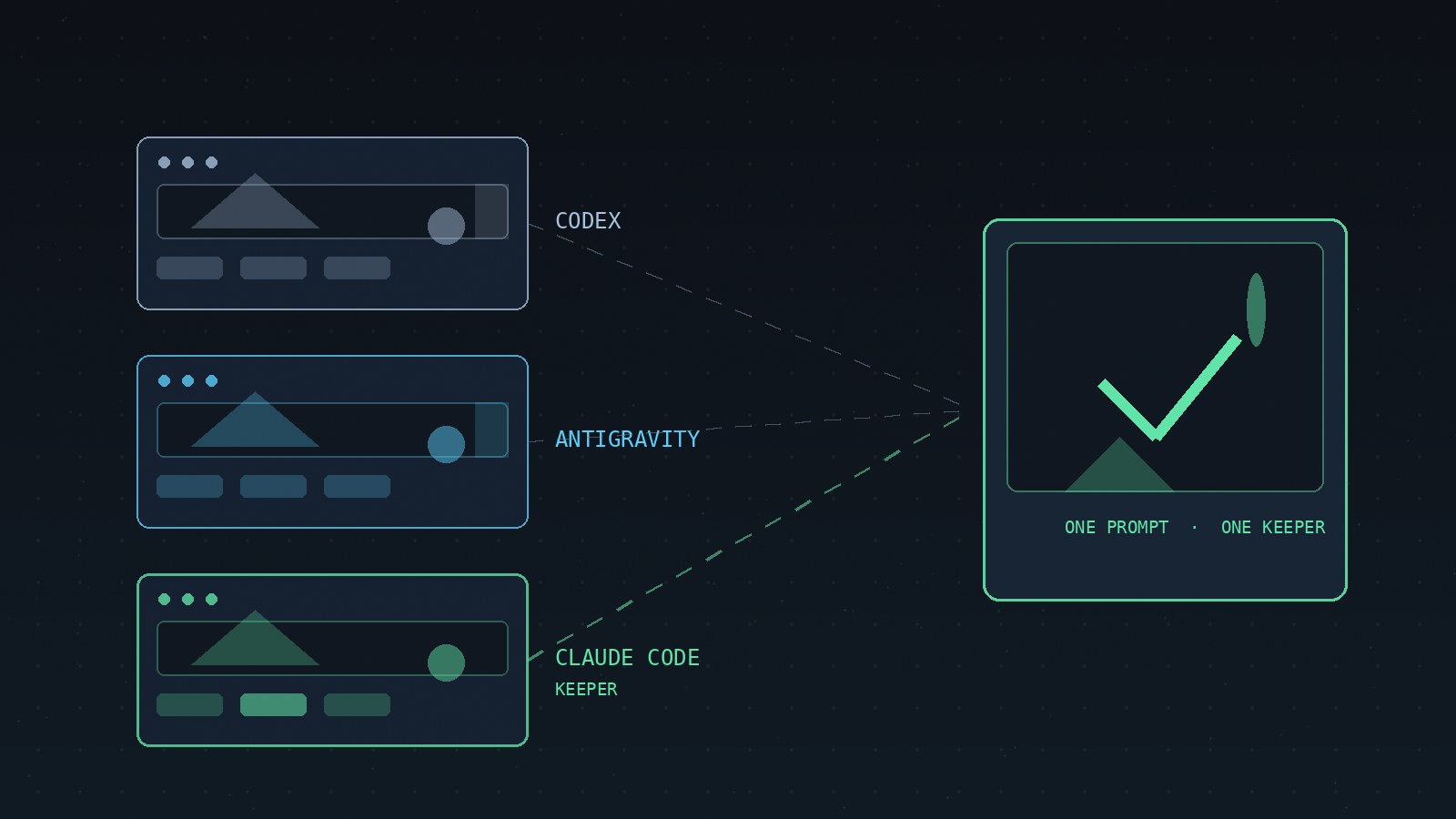
One prompt. Three AI coding agents. One Chrome extension called SnapNest. XDA's Yash Patel tested all three and found only one worth keeping.
The Test Setup
In an XDA article, Yash Patel gave Claude Code, Codex, and Google Antigravity the same instruction: build a Chrome extension called SnapNest. It had to capture screenshots and beautify them while working entirely offline. The prompt asked for multiple capture options, a built-in editor, customizable backgrounds, annotations, several export formats, and keyboard shortcuts. Privacy rules required minimal permissions, no external scripts, and zero network requests.
All three tools received identical instructions and deliverables.
Codex: Functional but Cramped
Patel reports using the Luna 6 model for Codex. It built most of the basic features and produced a working extension.
The downsides were visible immediately: tiny fonts, an unappealing color scheme, and almost every editing control stuffed into a side panel, making settings hard to find. Numbered-step annotations appeared too small, with no option to enlarge them.
Antigravity: Neat but Clunky
Powered by the Gemini 3.8 Flash model according to Patel, Antigravity delivered a better layout than Codex, with controls neatly arranged. Export covered PDF, WebP, PNG, and JPG.
However, annotations opened old-fashioned JavaScript prompt dialog boxes instead of letting users type directly onto the image. Adding a watermark meant typing into a basic text box, and the blur effect produced a less polished background.
Claude Code: The Clear Winner
Patel used Claude Opus 5.5 for Claude Code and called it the best experience of the three. Almost all requested features worked. The editor layout was well thought out, controls were easy to find, and moving between settings felt natural.
Numbered annotations offered better sizing options, and a preset system stored up to 10 different styles for reuse. The blur effect was noticeably cleaner: select an area, get a cleaner result. The only annoyance was PDF export sitting outside the main dropdown shared by PNG, JPG, and WebP.
How They Compare
Speed Was Not the Decider
Antigravity finished fastest and Claude Code took longest, but Patel said the gap was not particularly significant. Speed was not a major differentiator. The quality of the finished extension mattered more than raw build time.
One Test, One Author
Claude Code was Patel's clear winner and his first pick for a future project. This is one test by one author using one prompt for one type of extension. The verdict reflects the usability of the finished SnapNest build, not a general coding benchmark.
For more hands-on AI tool comparisons, browse the blog, or explore the projects.
--- Not affiliated with Anthropic, OpenAI, or Google. Sources: XDA.