Builds
Building NoteCanvas: A Free GoodNotes Alternative
How I built NoteCanvas — a privacy-first, cross-platform notes app from scratch. Tech stack, design choices, and lessons from shipping a GoodNotes alternative.
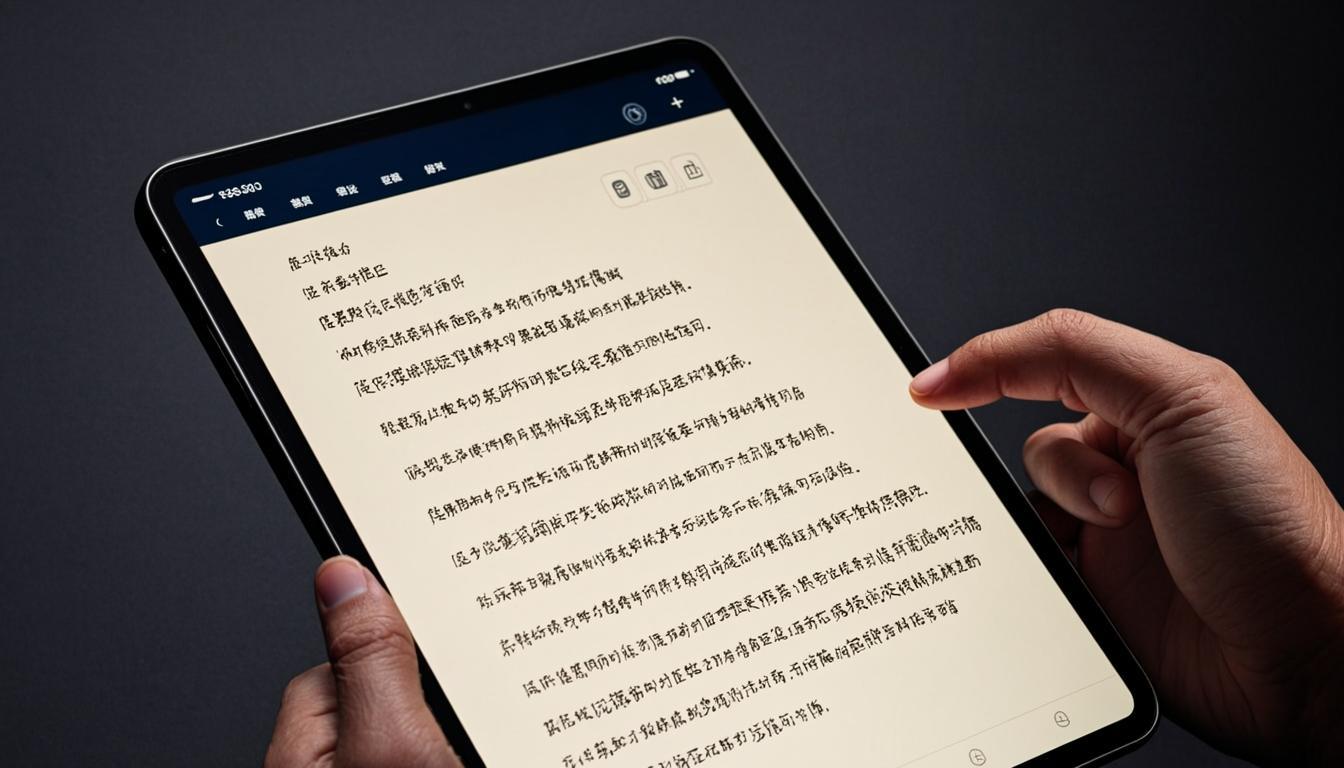
I love taking notes. But I hated paying subscriptions for it. So I built my own.
The Problem with Note-Taking Apps
GoodNotes is great — but it's paid, Apple-only, and your notes live on someone else's cloud. I wanted something different: - Free forever — no subscriptions, no premium tiers - Cross-platform — works on Mac, Windows, Linux, and eventually mobile - Privacy-first — your notes stay on your device
Choosing the Tech Stack
I went with Tauri + React + TypeScript for the desktop app. Tauri gives you native performance with a tiny bundle size (we're talking 5MB vs Electron's 150MB+). The frontend is pure React with a custom canvas engine for smooth pen input.
For the drawing engine, I built a custom solution using HTML Canvas with: - Pressure-sensitive stroke rendering - Infinite canvas with smooth pan and zoom - Layer support for organizing complex notes - PDF import and annotation
The Hard Parts
Building a note-taking app sounds simple until you try it. The biggest challenges were: 1. Smooth ink rendering — Getting pen strokes to feel natural required custom Bézier curve algorithms and lots of interpolation 2. Performance at scale — When you have thousands of strokes on a canvas, rendering needs to be smart. I implemented viewport culling and stroke caching 3. File format design — Creating a format that's compact, fast to parse, and future-proof took multiple iterations
What I Learned
The biggest lesson: don't underestimate the polish. The core functionality took 30% of the time. The remaining 70% was making it feel right — smooth animations, undo/redo that actually works, and export options that don't destroy your formatting.
NoteCanvas is now open-source and free for everyone. Because good tools shouldn't cost a fortune — and building your own is more possible than you think.